
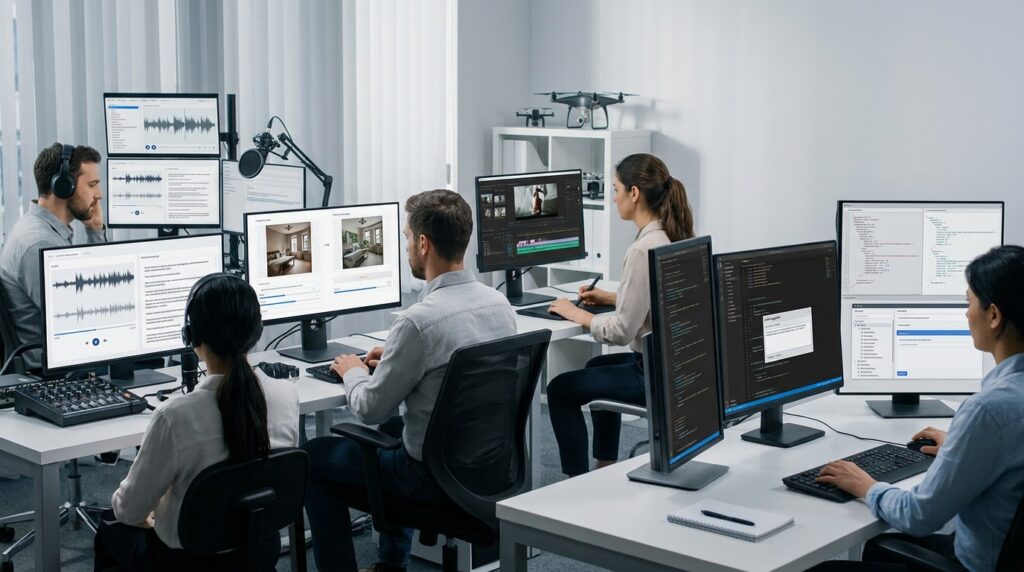
At 9:00 a.m., a transcription pipeline can tell you every word and still miss who said it. A local assistant can answer quickly, yet struggle when a tool call takes two turns. This month’s five Hugging Face picks show why model choice starts with the job: separate speakers, transform images, steer video, or write and repair code.
Downloads signal attention. They do not replace a hands-on test.
1. pyannote/speaker-diarization-community-1
What It Does
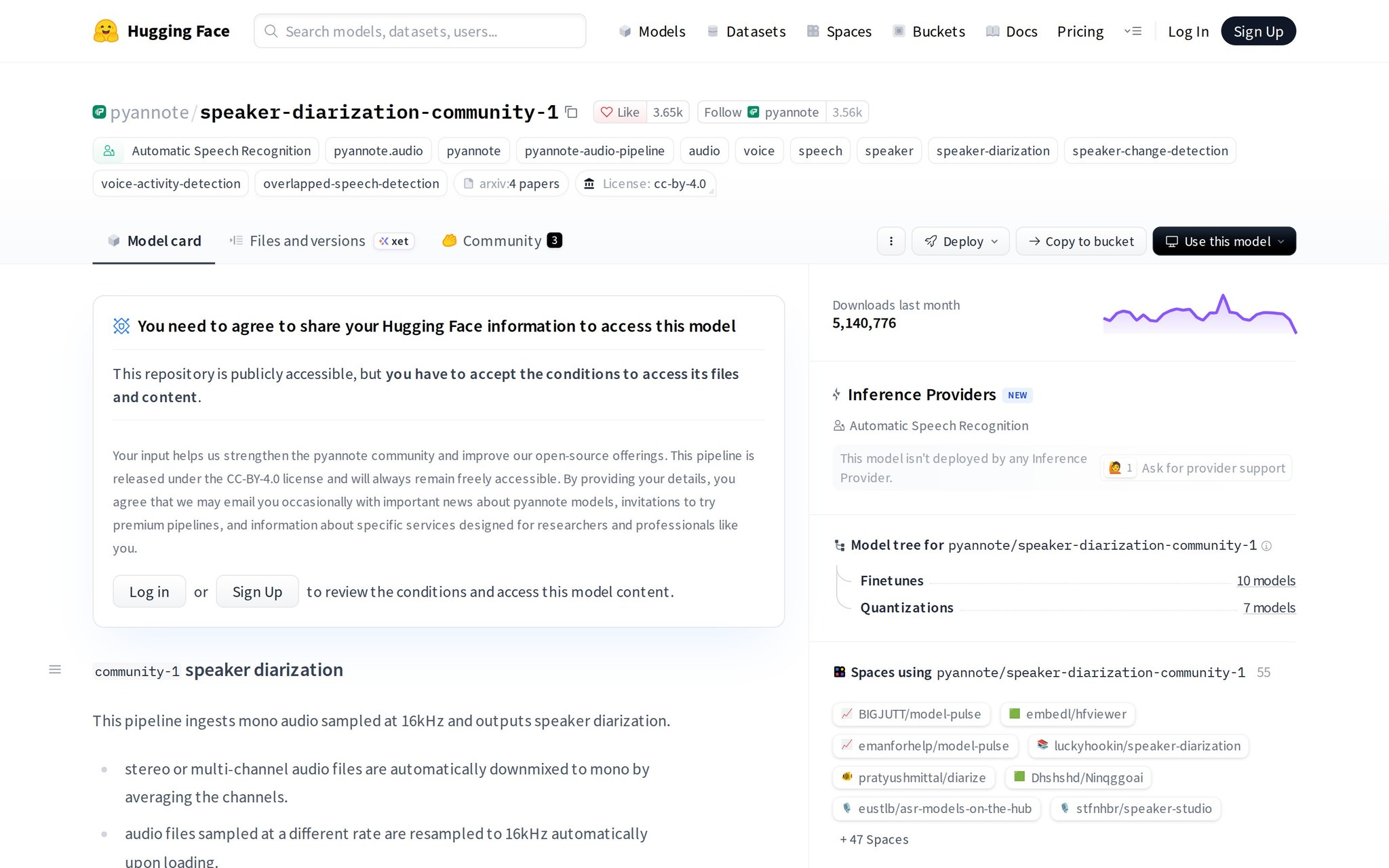
This is a speech model for automatic speech recognition and speaker diarization. Diarization means labeling who spoke when, so a recorded meeting can become a transcript with Speaker 1 and Speaker 2 assigned to the right lines.
Why It's Trending
The model page was updated October 31, 2026, and its Community-1 page was updated October 27. More than 5.2 million downloads and 3,615 likes make it the month’s clearest adoption signal.
Key Capabilities
- Speech recognition — turn recorded audio into text.
- Speaker labeling — separate people in a conversation.
- Speaker counting — estimate how many people took part.
- Transcription alignment — connect words with the correct speaker.
- Offline processing — build speech workflows without sending audio to a hosted service.
Best For
- Developers — adding named speakers to meeting transcripts.
- Researchers — testing offline diarization on conversations.
- AI builders — connecting speech recognition to searchable audio.
What Makes It Different
Its focus is the who-said-what problem, not text generation. Compared with a transcription-only model, Community-1 emphasizes speaker assignment, speaker counting, and simpler alignment for speech workflows.
Hardware Requirements
It supports offline use, but the hardware needed to run it is not published.
How to Try It
Open the model page and connect it to an offline speech-transcription workflow. A first experiment should take minutes once the audio-processing environment is ready.
Things to Consider
- Model limitations: It is specialized for speech recognition and speaker diarization, not general text work.
- Hardware: Offline deployment still requires a machine capable of processing the audio.
- Dataset quality: Noisy recordings and overlapping speakers can make speaker assignment harder.
Our Verdict
A strong pick for developers building meeting or interview transcription, provided speaker labels matter enough to justify testing accuracy on their own recordings rather than trusting download counts.
Hugging Face: https://huggingface.co/pyannote/speaker-diarization-community-1
2. black-forest-labs/flux-3-image-klein-comfy
What It Does
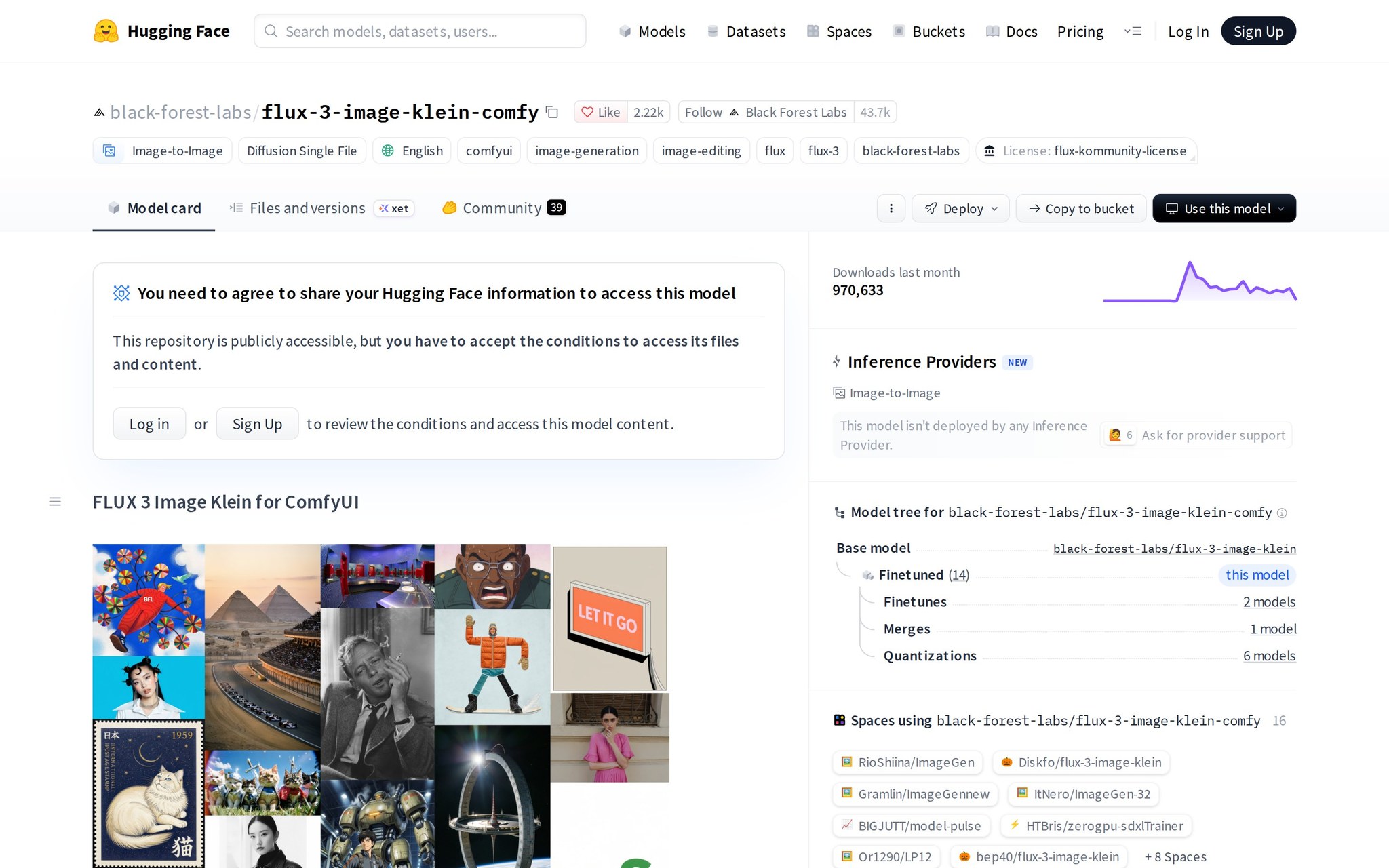
This is an image-generation model focused on changing an existing picture. Feed it an image and a prompt to explore variations, edits, or a new visual direction while keeping an image workflow local.
Why It's Trending
The model and its collection were updated in late October 2026. The listing recorded 925,236 downloads and 2,198 likes, putting this compact FLUX 3 model near the top of the month’s activity.
Key Capabilities
- Image-to-image editing — create a new version from an input picture.
- Text-to-image generation — make images from written prompts.
- ComfyUI workflows — load it into a node-based image pipeline.
- Local deployment — run image generation on local hardware.
- Compact model use — explore a smaller FLUX 3 option.
Best For
- AI builders — prototyping repeatable image pipelines.
- Developers — adding image transformation to local applications.
- Experimentation — comparing prompt-driven edits in ComfyUI.
- Students — learning image-to-image workflows without a hosted interface.
What Makes It Different
The Comfy designation points to a version intended for ComfyUI workflows. Compared with a general FLUX model listing, it targets a smaller local image-to-image and text-to-image setup.
Hardware Requirements
It supports local deployment, but the memory and graphics hardware needed are not published.
How to Try It
Open the model page and load it into ComfyUI. An initial image-to-image test can be assembled in roughly 10 minutes if ComfyUI is already installed.
Things to Consider
- Hardware: Local generation needs suitable graphics hardware, but the required memory is not stated.
- Model limitations: Its documented focus is image-to-image and text-to-image, so it is a specialized visual tool.
- Dataset quality: The available description does not establish how it behaves across unusual subjects or styles.
Our Verdict
A practical choice for ComfyUI users who need local image variations, with the decision resting on whether their graphics hardware can run the compact model comfortably.
Hugging Face: https://huggingface.co/black-forest-labs/flux-3-image-klein-comfy
3. tencent/Hy-Nomas
What It Does
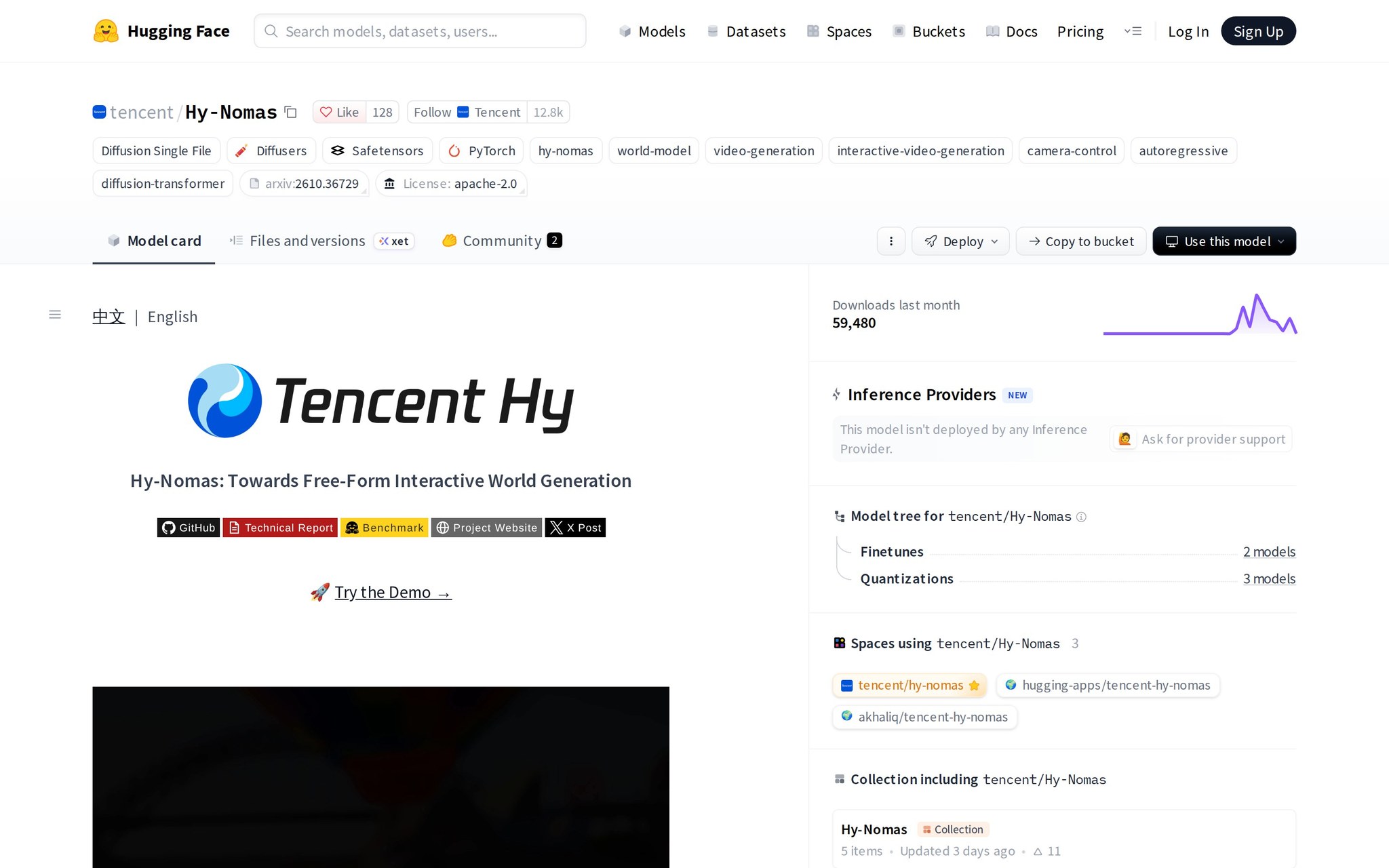
This is a video-generation model for interactive scenes and camera control. It is meant for experiments where the viewer or program changes the camera, rather than simply asking for one fixed video.
Why It's Trending
The model page was updated October 31, 2026. It recorded 52,249 downloads and 123 likes, a smaller audience than the image models but meaningful interest for a specialized video capability.
Key Capabilities
- Interactive video generation — create video for changing interactions.
- Camera control — guide how the view moves through a scene.
- Autoregressive generation — build output step by step from earlier output.
- Diffusion-transformer processing — use a denoising video-generation approach with transformer control.
- World-generation research — test models that respond to scene or viewpoint changes.
Best For
- Researchers — studying interactive video generation.
- Developers — prototyping camera-controlled visual experiences.
- Experimentation — exploring controllable world-generation ideas.
What Makes It Different
Hy-Nomas combines step-by-step generation with diffusion-transformer methods for interactive video. Compared with an ordinary text-to-video model, its distinguishing use case is controllable camera motion.
Hardware Requirements
The hardware needed to run it is not published.
How to Try It
Open the model page and follow its available loading instructions for a camera-control experiment. Plan for a research session rather than a quick browser demo.
Things to Consider
- Model limitations: Its documented scope is interactive, camera-controlled video, not general image editing.
- Hardware: Video generation can be demanding, while the required hardware is not stated.
- Safety: Generated scenes still need review before public or production use.
Our Verdict
A worthwhile research target for teams investigating controllable video, but developers should choose it only when camera interaction is central and a slower experimental workflow is acceptable.
Hugging Face: https://huggingface.co/tencent/Hy-Nomas
4. RecursiveSI/flint
What It Does
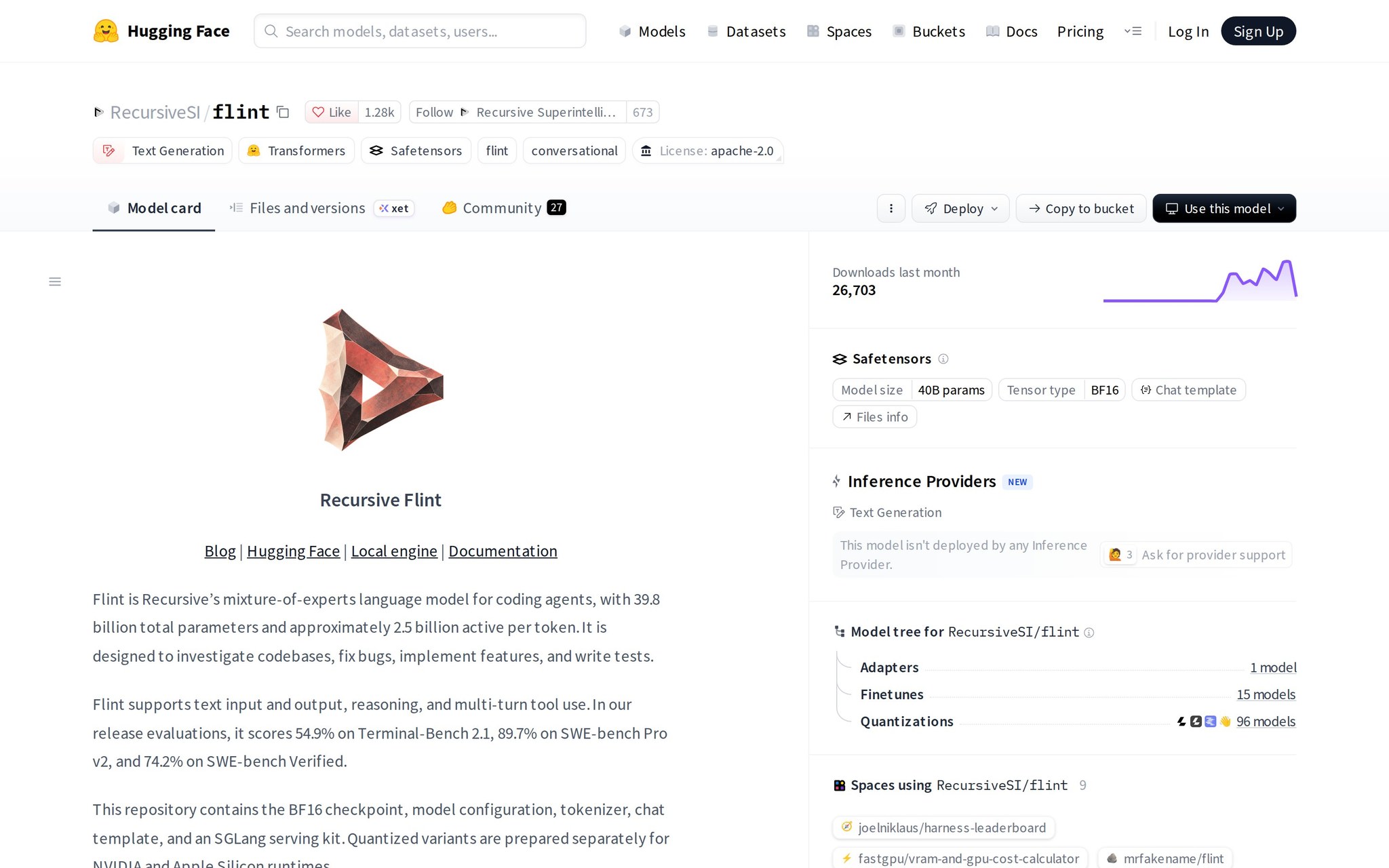
This is a text-generation model aimed at coding agents, which are programs that inspect code and take actions for a developer. It can support codebase investigation, bug fixes, feature work, tests, reasoning, and multi-turn tool use.
Why It's Trending
Released in October 2026, flint drew 1,276 likes and 19,015 downloads. Its release reports 54.9% on Terminal-Bench 2.1, 89.7% on SWE-bench Pro v2, and 74.2% on SWE-bench Verified.
Key Capabilities
- Codebase investigation — help an agent inspect an unfamiliar project.
- Bug fixing — propose changes for reported problems.
- Feature implementation — write code for requested behavior.
- Test writing — create tests around code changes.
- Multi-turn tool use — continue a task across several tool interactions.
Best For
- Developers — building agents that repair and extend repositories.
- AI builders — testing multi-step coding workflows.
- Researchers — studying tool-using code models.
What Makes It Different
Flint is positioned directly around agentic coding rather than general chat. Compared with NVIDIA-Nemotron-3.5-Bolt-E4B-4GB, it emphasizes repository work and reports coding benchmarks instead of local assistant use.
Hardware Requirements
The hardware needed to run it is not published.
How to Try It
Open the model page and connect it to a coding-agent experiment with a small repository. A useful first test is asking it to inspect one bug, propose a patch, and write a test.
Things to Consider
- Model limitations: Reported benchmark scores do not establish performance on every codebase or workflow.
- Hardware: Deployment requirements are not stated.
- Safety: Agent-written code needs review before it changes a real repository.
Our Verdict
A notable option for developers testing repository agents, provided they keep human code review in the loop and treat benchmark scores as a starting point, not a deployment guarantee.
Hugging Face: https://huggingface.co/RecursiveSI/flint
5. NVIDIA-Nemotron-3.5-Bolt-E4B-4GB
What It Does
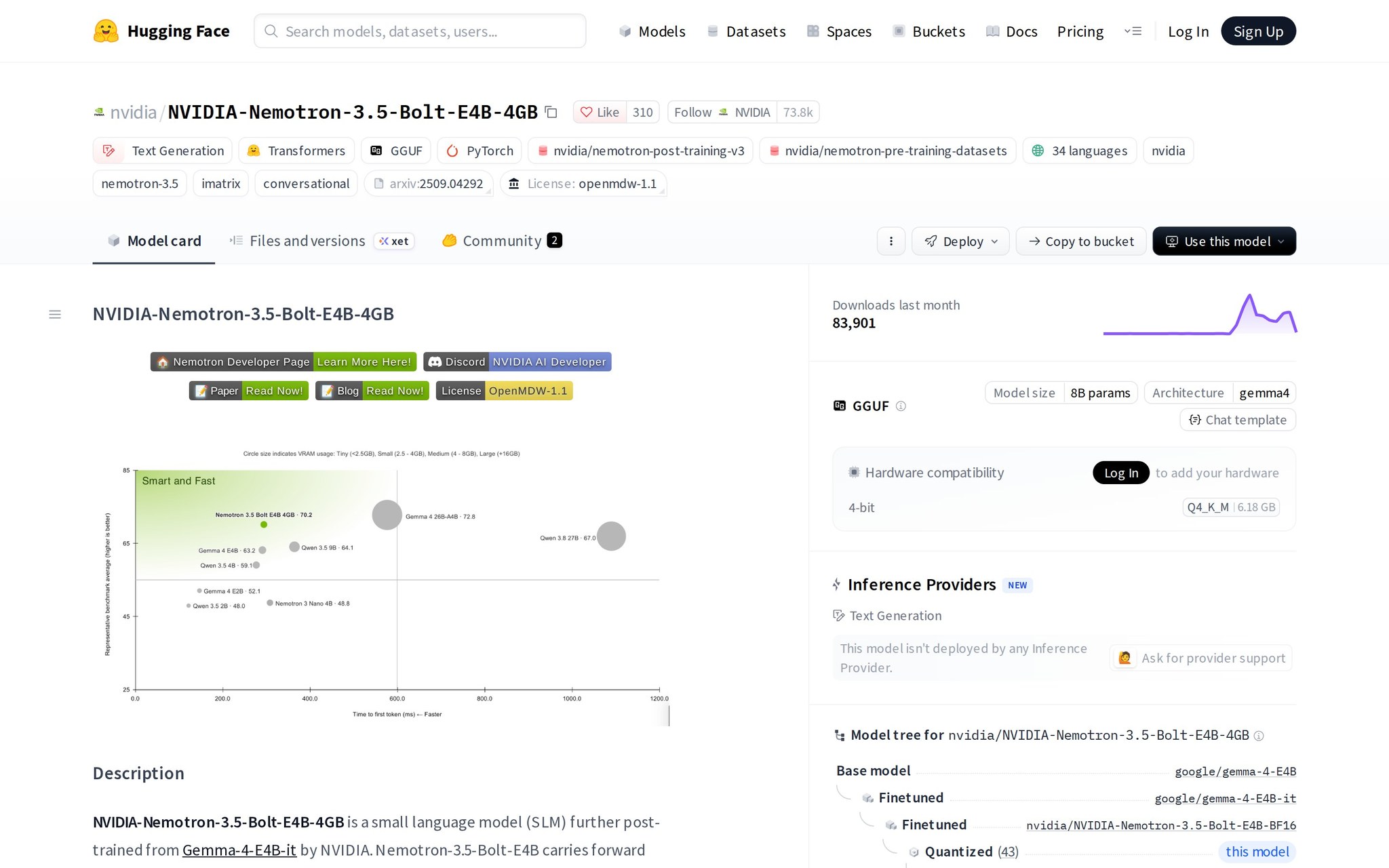
This is a text-generation model built for fast local assistants. It supports multi-turn tool use, instruction following, and input grounding, so a voice or device assistant can respond and use connected functions across several turns.
Why It's Trending
The model page and README were updated in late October 2026. It reached 75,125 downloads, giving NVIDIA’s low-memory assistant model stronger early adoption than its specialized video counterpart.
Key Capabilities
- Multi-turn tool use — call device or application functions across a conversation.
- Instruction following — respond to requested tasks.
- Input grounding — base answers on the information supplied to it.
- Voice assistants — power local conversational interfaces.
- Embedded interfaces — fit assistant features into devices or edge applications.
Best For
- Developers — building local voice assistants.
- AI builders — connecting models to device tools.
- Experimentation — testing interactive personas on edge hardware.
What Makes It Different
Its design centers on low-memory, low-time-to-first-token local assistance. Compared with RecursiveSI/flint, it favors fast device and voice interactions rather than coding-agent work.
Hardware Requirements
It is presented as a 4GB, low-memory model for local and embedded use; the exact device requirements are not published.
How to Try It
Open the model page or its available README instructions and load it into a local assistant prototype. A basic tool-calling test can be ready in one short development session.
Things to Consider
- Hardware: The model targets 4GB memory, but exact device requirements are not stated.
- Model limitations: Its stated focus is local assistants and embedded interfaces, not repository-scale coding.
- Safety: Tool-connected assistants need controls around which actions they may trigger.
Our Verdict
A sensible candidate for developers building local voice or device assistants, if low memory and quick responses matter more than broad coding or general-purpose model coverage.
Hugging Face: https://huggingface.co/nvidia/NVIDIA-Nemotron-3.5-Bolt-E4B-4GB
The pattern is practical. Diarization solves speaker identity, image models reshape pictures, Hy-Nomas explores camera-aware video, and the text models split between coding agents and local assistants. Start with the task, then test latency, accuracy, and hardware on a small real project.
Downloads tell you where to look. They do not make the decision.
Frequently asked questions
What is pyannote/speaker-diarization-community-1 used for?
It is a speech model for automatic speech recognition and speaker diarization, labeling who spoke when.
How does black-forest-labs/flux-3-image-klein-comfy function?
This model focuses on image generation, allowing users to create variations or edits from an existing picture.
What capabilities does RecursiveSI/flint offer?
It supports coding agents in inspecting code, fixing bugs, and implementing features.