
6 Best AI Tools to Watch This Month
AI is no longer a futuristic concept, it’s a practical solution used by businesses of all sizes to improve efficiency, reduce costs, and accelerate innovation. From building websites to editing videos, AI tools now handle tasks that previously required entire teams, expensive software, or specialized expertise. At Tech AI Magazine, we regularly explore what AI can do in real-world settings, cutting through the hype to highlight tools that truly deliver.
This month, we spotlight six AI tools that stand out for their real-world value. Each tool solves a specific problem, offering time-saving automation, intuitive interfaces, and powerful results. As part of our ongoing coverage of evolving AI trends, this feature is tailored for developers, creators, and business owners alike—anyone looking to harness AI to transform how they work.
1. V0.dev
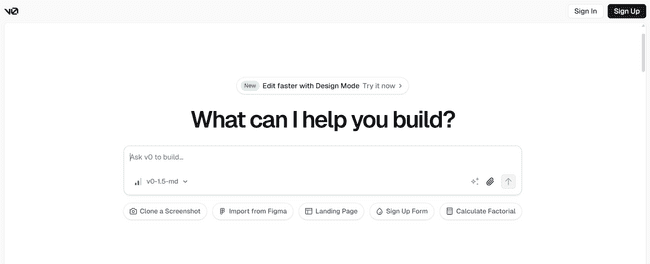
V0.dev creates website interfaces from text descriptions. You type what you want your interface to look like. The tool builds working React components with proper styling. It generates clean HTML, CSS, and JavaScript code that follows web standards. The output works on desktop and mobile devices. You can copy the code and use it in your projects without changes. The tool handles complex layouts, forms, navigation menus, and interactive elements. It saves weeks of development time for each interface.
Why this matters:
Building user interfaces takes time and skill. V0.dev removes these barriers. It:
- Turns descriptions into working code
- Makes interfaces that work on all devices
- Creates prototypes in minutes
- Needs no coding knowledge
Useful for:
- Product teams
- Startups without front-end developers
- Freelancers building web apps
- UI/UX designers
2. Cursor AI
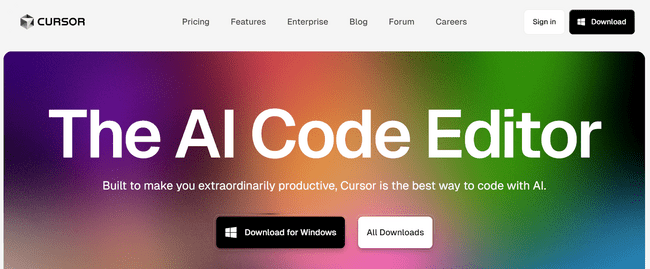
Cursor AI integrates AI assistance into your code editor. It works as you type, suggesting relevant code completions and entire function blocks. The tool understands your codebase context and provides suggestions that match your coding style. It can debug errors by analyzing stack traces and suggesting fixes. You can ask it to refactor existing code, add comments, or explain complex functions. The AI works with Python, JavaScript, TypeScript, Go, and other languages. It learns from your coding patterns and gets better over time.
Why this matters:
Coding takes time. You search for answers. You debug problems. Cursor AI does this for you. It:
- Writes code from simple descriptions
- Finds and fixes errors
- Explains complex code
- Keeps your code consistent
Useful for:
- Software developers
- Engineering teams
- Tech startups
- Coding bootcamp students
3. Descript
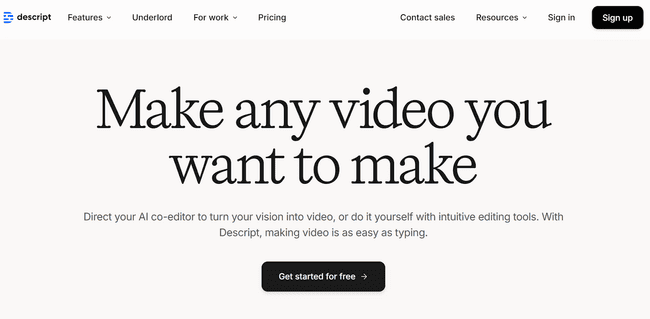
Descript changes how you edit audio and video content. You edit media by editing text transcripts. When you delete words from the transcript, those words disappear from the audio or video. The tool removes filler words like “um” and “uh” with one click. It can create voice clones that sound like you or other speakers. You can generate new audio using these synthetic voices. The platform handles video editing, screen recording, and podcast production. It works with teams and includes collaboration features.
Why this matters:
Video editing is hard. Audio editing is time-consuming. Descript makes both simple. It:
- Edits video by editing text
- Removes “ums” and pauses
- Creates realistic voice copies
- Needs no editing experience
Useful for:
- Podcasters
- Video marketers
- YouTube creators
- Social media managers
4. Framer AI
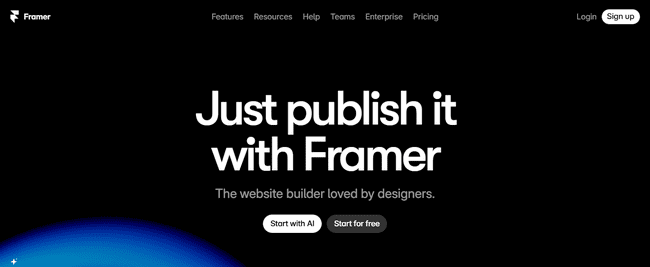
Framer AI builds complete websites from simple text prompts. You describe your website idea and the tool creates the entire site with pages, navigation, and content. It generates responsive designs that work on all screen sizes. The platform adds interactive elements like buttons, forms, and animations. It handles the technical setup including hosting and domain management. You can edit the generated site using visual tools or publish it directly. The tool creates professional-looking websites without coding or design skills.
Why this matters:
Website creation requires design skills and technical knowledge. Framer AI handles both. It:
- Creates full websites from descriptions
- Makes sites work on all devices
- Adds buttons and animations
- Hosts and manages domains
Useful for:
- Freelancers
- Small business owners
- Online portfolio creators
- Marketing teams
5. RunwayML
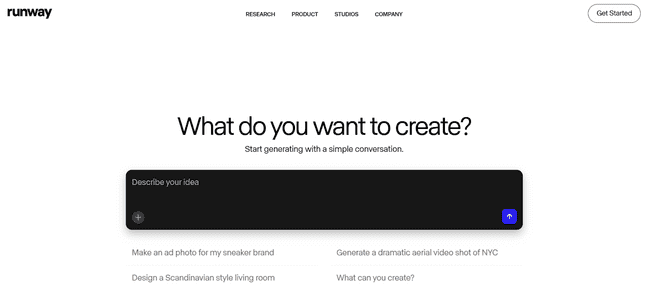
RunwayML generates and edits videos using AI technology. You type a description of the video you want and the tool creates the footage. It can generate realistic scenes, objects, and movements that match your text prompt. The platform offers advanced editing features like background removal, motion tracking, and style transfer. You can extend existing videos or create entirely new content. The tool handles different video formats and resolutions. It works for creating marketing videos, social media content, and creative projects.
Why this matters:
Video production costs money and time. RunwayML changes this. It:
- Makes videos from text descriptions
- Creates motion graphics without skills
- Produces quality results fast
- Offers advanced editing tools
Useful for:
- Marketing agencies
- Video content creators
- Creative studios
- Social media influencers
6. CrewAI
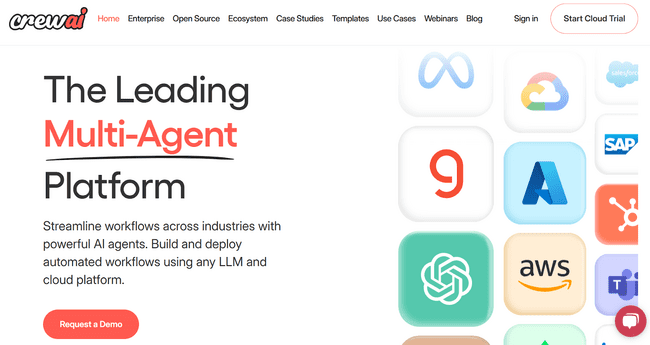
CrewAI helps you build teams of AI agents that work together on complex tasks. You create different agents with specific roles and expertise. Each agent handles part of a larger workflow. The agents communicate with each other and coordinate their work. You can train agents for your specific business processes and requirements. The platform is open source, giving you full control over customization. It works well for automating multi-step processes that require different types of expertise.
Why this matters:
Complex work needs multiple specialists. CrewAI creates AI teams. It:
- Creates specialized AI workers
- Coordinates multiple agents
- Trains agents for specific tasks
- Gives you full control
Useful for:
- Enterprise automation teams
- Process optimization specialists
- Research and development teams
- Custom AI solution developers