

Terminal AI is getting less generic. Instead of asking one model to do everything, developers are adding memory, visual judgment, model access, and specialized production workflows. This month’s five projects, selected from October’s fastest-moving repositories, show that shift in unusually concrete form.
Their star counts signal attention; they do not yet prove that the resulting software, videos, or games hold up in production.
1. Leonxlnx/taste-skill — Developer Tool
Developer Tool
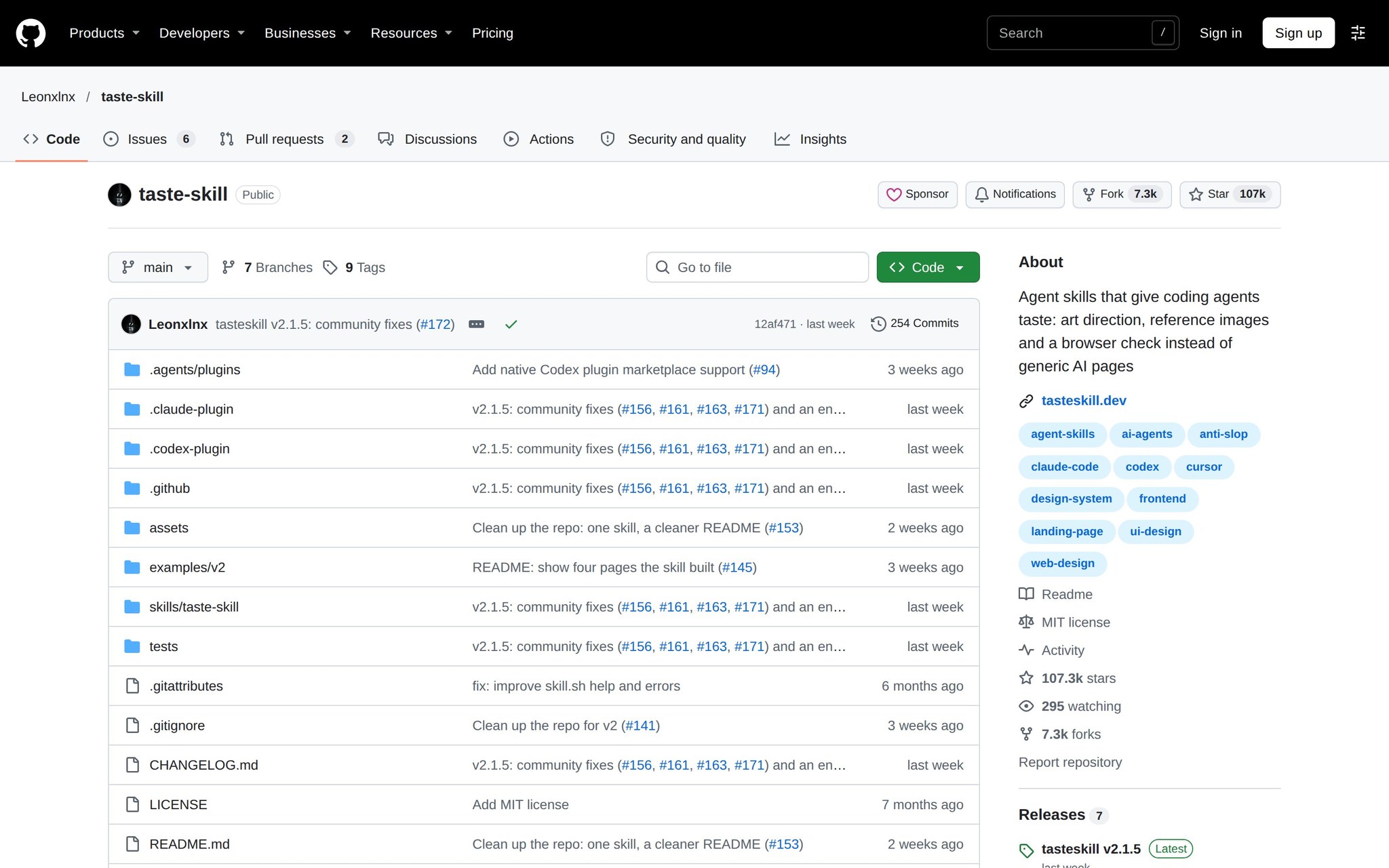
This is a skill layer for coding agents that adds art direction to front-end work. You give an agent reference images and a browser-rendered page to inspect, and it guides layout, typography, spacing, hierarchy, motion, and overall visual direction. The goal is to push generated interfaces beyond generic AI aesthetics.
A v2 design-taste-frontend direction and repository reorganization put the project’s newer work into one skill, while classic skills were moved in October 2026. It reached 106,373 stars, added 15,496 during the month, and was trending on October 31.
What You'd Build With It:
- Generate a landing page from a reference image and check it in a browser.
- Give an existing AI-built interface stronger typography, spacing, and hierarchy.
- Use visual constraints while building a front end with Claude Code, Cursor, Codex, or Devin.
- Alternative To: Alternative to relying on a coding agent’s default design instincts.
- Stack: A skill layer for Cursor, Claude Code, Codex, Devin, and similar coding agents; GPU, API-key, and model requirements depend on the host agent.
- Maturity: The project has a v2 direction, an October 2026 reorganization, 7,197 forks, and active late-October interest, making it fast-moving rather than settled.
- Skill Level: Comfortable with the terminal
- Watch Out: It improves the direction given to a coding agent, but the available evidence does not establish that its visual guidance consistently produces production-quality interfaces.
- Our Verdict: A strong fit for front-end builders who already use coding agents and want deliberate visual constraints, provided a human still reviews the rendered result instead of treating taste-skill as a designer.
- Setup Difficulty: ★★☆
- GitHub: https://github.com/Leonxlnx/taste-skill
2. thedotmack/claude-mem — Agents
Agents
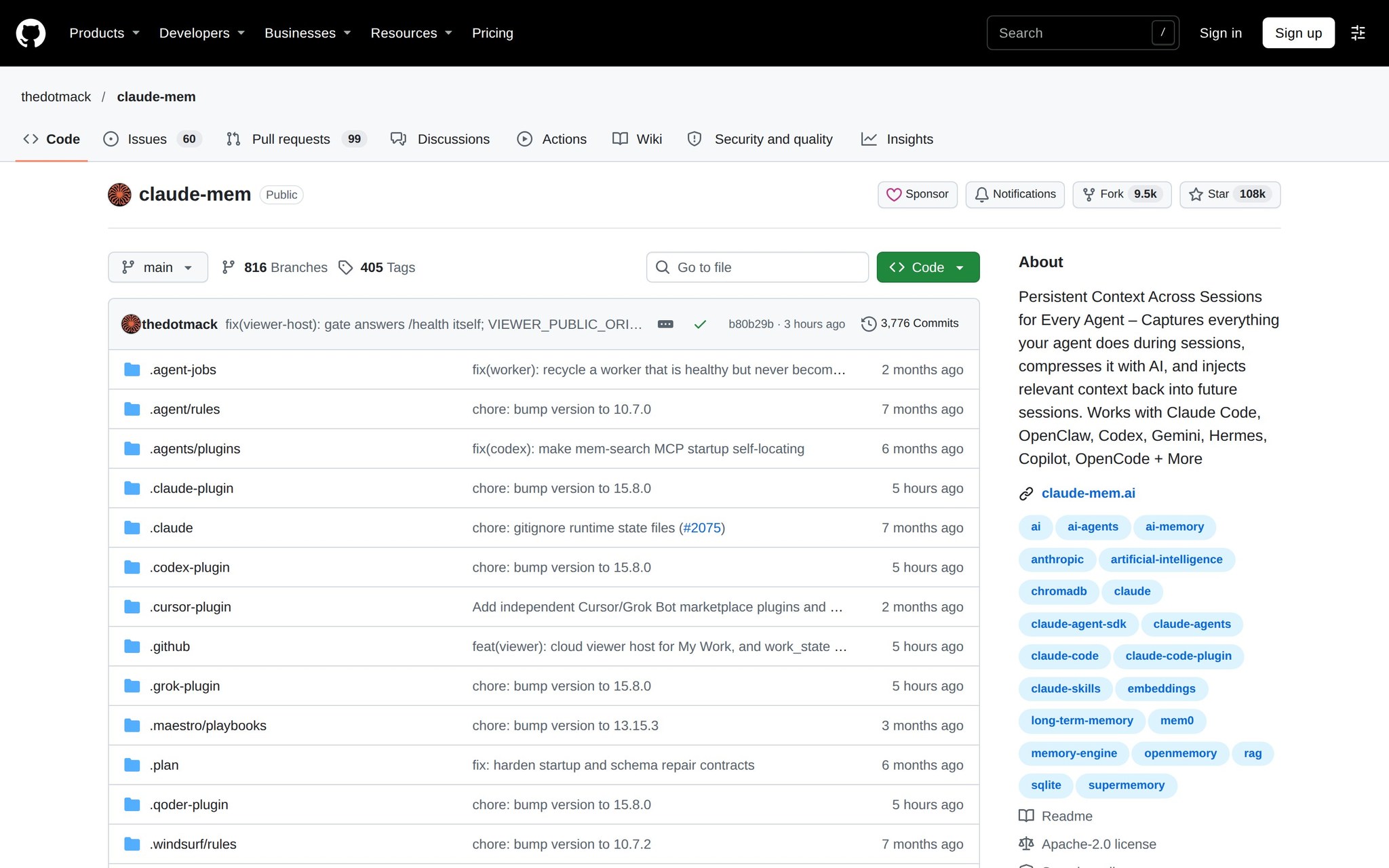
claude-mem adds persistent context to AI-agent workflows so information can survive across sessions, reconnects, and restarts. It is aimed at Claude Code users and supports other model workflows, including OpenAI-based ones. The practical benefit is continuity: an agent can build on earlier work instead of starting cold each time.
The official repository and profile were active and updated in October 2026, with the canonical project remaining at its original home. The repository passed 106,000 stars, added 11,124 in the month, and recorded 9,360 forks.
What You'd Build With It:
- Keep project decisions available when an agent session ends and a new one begins.
- Maintain context for a long-running codebase across reconnects.
- Give Claude Code or another supported model a continuing record of prior work.
- Alternative To: Alternative to manually pasting project history into every new AI session.
- Stack: A persistent-context layer for Claude Code and other supported model workflows; the project description establishes model support but not a separate GPU requirement.
- Maturity: Its active October 2026 maintenance, 9,360 forks, and rapid monthly growth indicate substantial interest, although that momentum also means the project is still evolving quickly.
- Skill Level: Comfortable with the terminal
- Watch Out: Persistent context can preserve continuity, but it also makes the quality and relevance of earlier agent information part of every later session’s working context.
- Our Verdict: A practical choice for developers whose agent work spans many sessions, especially Claude Code users, with enough discipline around retained context to prevent old decisions from quietly steering new tasks.
- Setup Difficulty: ★★☆
- GitHub: https://github.com/thedotmack/claude-mem
3. google-gemini/gemini-cli — Developer Tool
Developer Tool
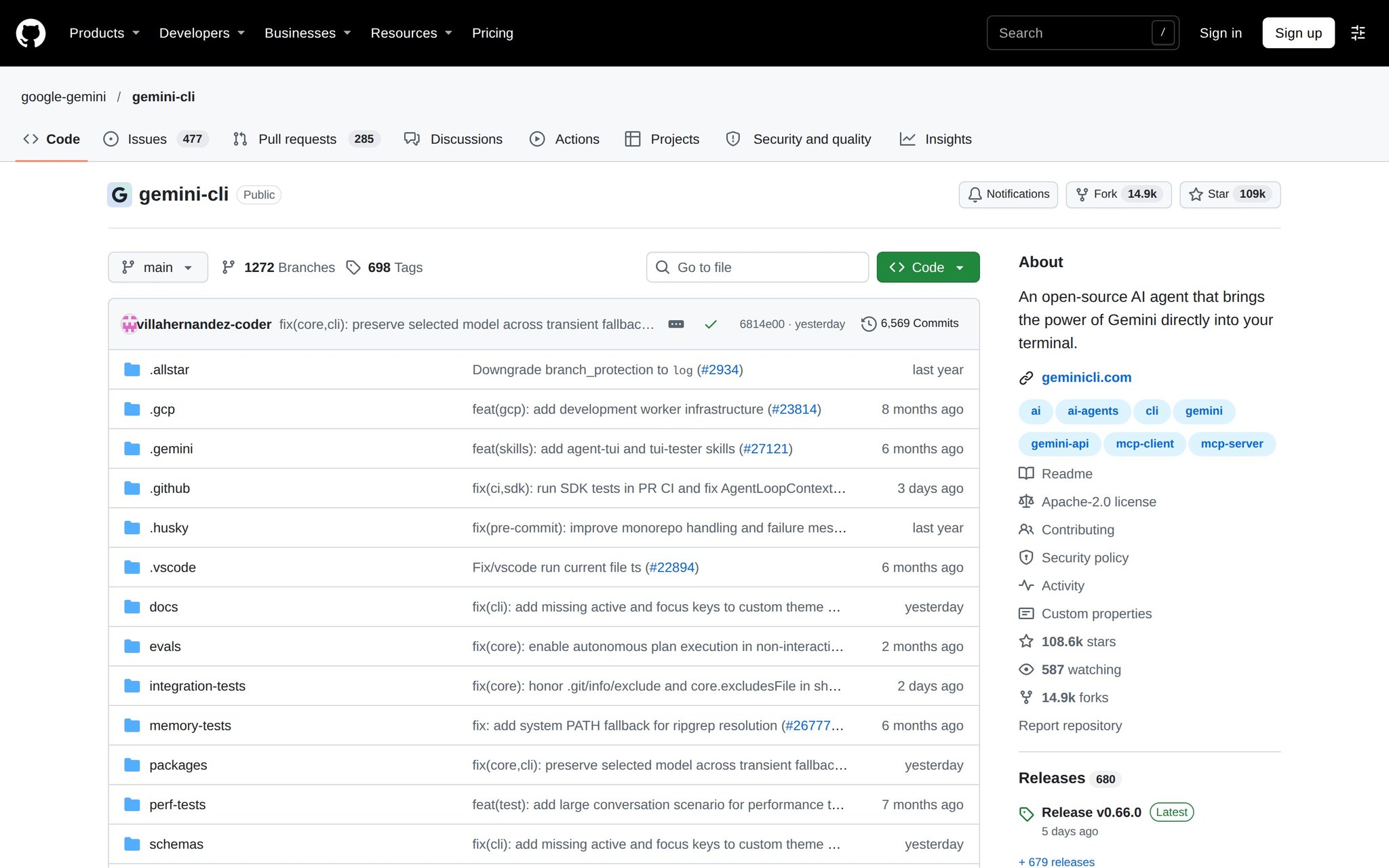
Gemini CLI is an open-source terminal agent that brings Google’s Gemini model capabilities into command-line workflows. Developers use it from a terminal rather than moving their work into a separate web interface, giving model-powered assistance a place beside normal development commands. Its value depends on whether that terminal-native access fits the job.
The repository was active and updated in October 2026, and its official documentation was updated in September. With 108,093 stars and 14,812 forks, it has become the month’s clearest adoption signal for a major model being delivered through a terminal tool.
What You'd Build With It:
- Run Gemini-powered agent workflows alongside a codebase in the terminal.
- Use a command-line interface when a browser-based model workflow would interrupt development.
- Experiment with Google’s model capabilities in terminal-centered developer routines.
- Alternative To: Alternative to browser-first Gemini workflows and other terminal model clients.
- Stack: An open-source terminal agent for Gemini; the available project record establishes terminal and model integration but does not establish a required language, GPU, or paid access arrangement.
- Maturity: The active October repository and September documentation update show current maintenance, while its large star and fork totals indicate reach rather than proof that every workflow is production-ready.
- Skill Level: Beginner friendly
- Watch Out: Moving a model into the terminal adds workflow integration, but the available evidence does not show that it delivers capabilities unavailable through Google’s other interfaces.
- Our Verdict: A sensible starting point for developers who already live in the command line and want Gemini close to their code, but terminal placement alone should not decide a production tool choice.
- Setup Difficulty: ★☆☆
- GitHub: https://github.com/google-gemini/gemini-cli
4. harry0703/MoneyPrinterTurbo — Application
Application
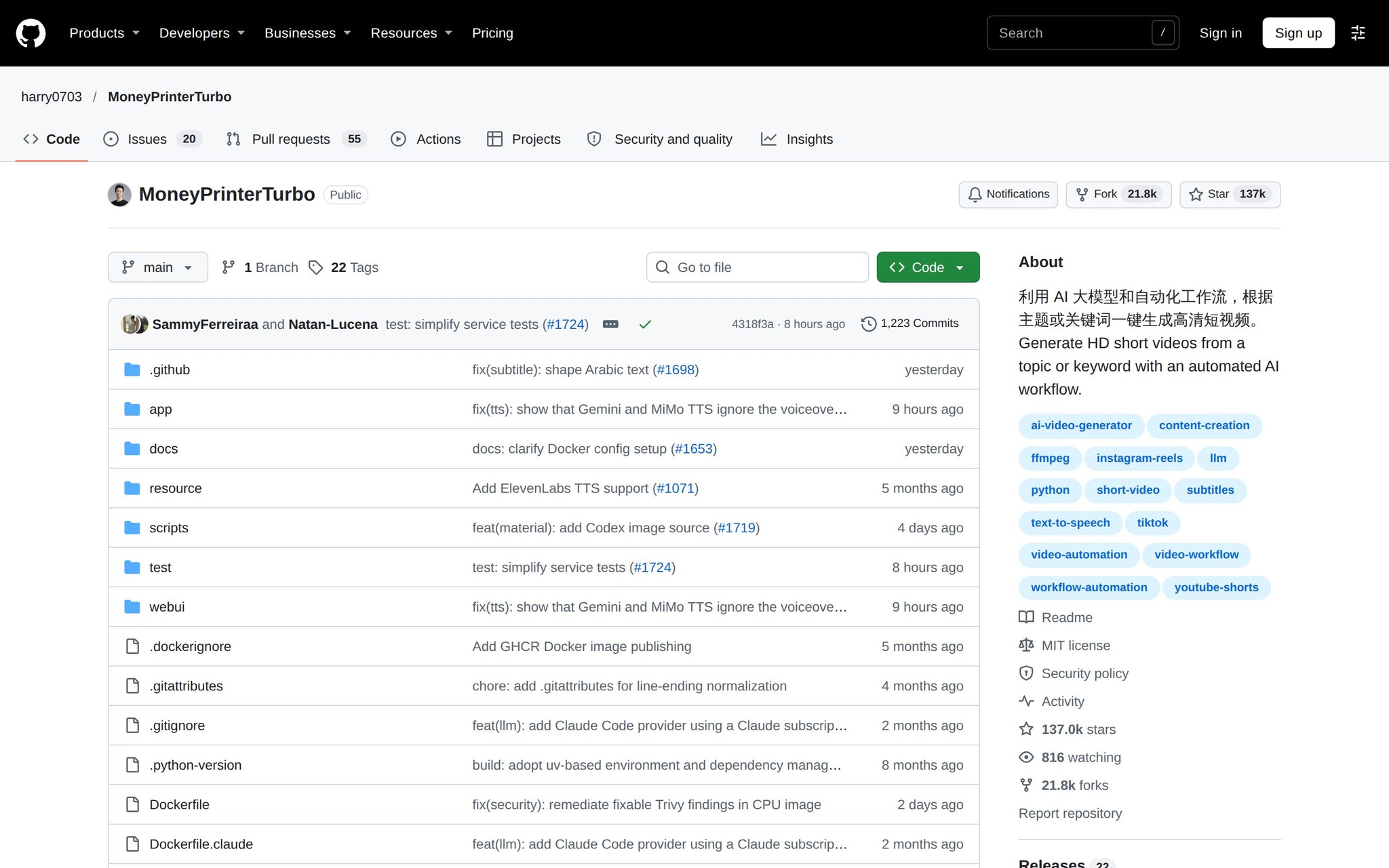
MoneyPrinterTurbo is an AI-driven workflow for making high-definition short videos from a topic or keyword. It automates much of the production pipeline and targets short-form video publishing. That makes it a hands-on way to turn a subject into a repeatable creative workflow rather than assembling every step manually.
The repository was current in October 2026, and its popularity remained unusually high for an automated creative-production project. It had 128,661 stars, gained 2,189 during the week tracked, and accumulated 20,116 forks.
What You'd Build With It:
- Generate a high-definition short video from a topic or keyword.
- Prototype a repeatable short-form video pipeline.
- Explore automated creative production without building every pipeline stage yourself.
- Alternative To: Alternative to manually assembling a short-form video production workflow.
- Stack: An AI-driven short-video workflow; the available project record establishes topic-or-keyword input and high-definition output, but not a required language, GPU, API key, or paid model.
- Maturity: Its current October 2026 repository state and 20,116 forks show broad interest, but the available record does not identify a newer official release or establish how reliably the workflow performs at scale.
- Skill Level: Comfortable with the terminal
- Watch Out: Automation can produce a video pipeline quickly, but the evidence here does not establish the editorial quality, originality, or platform performance of its output.
- Our Verdict: A useful project for creators and developers prototyping automated short-video production, provided they treat generated footage as a starting point and judge each finished video themselves.
- Setup Difficulty: ★★☆
- GitHub: https://github.com/harry0703/MoneyPrinterTurbo
5. Donchitos/Claude-Code-Game-Studios — Agents
Agents
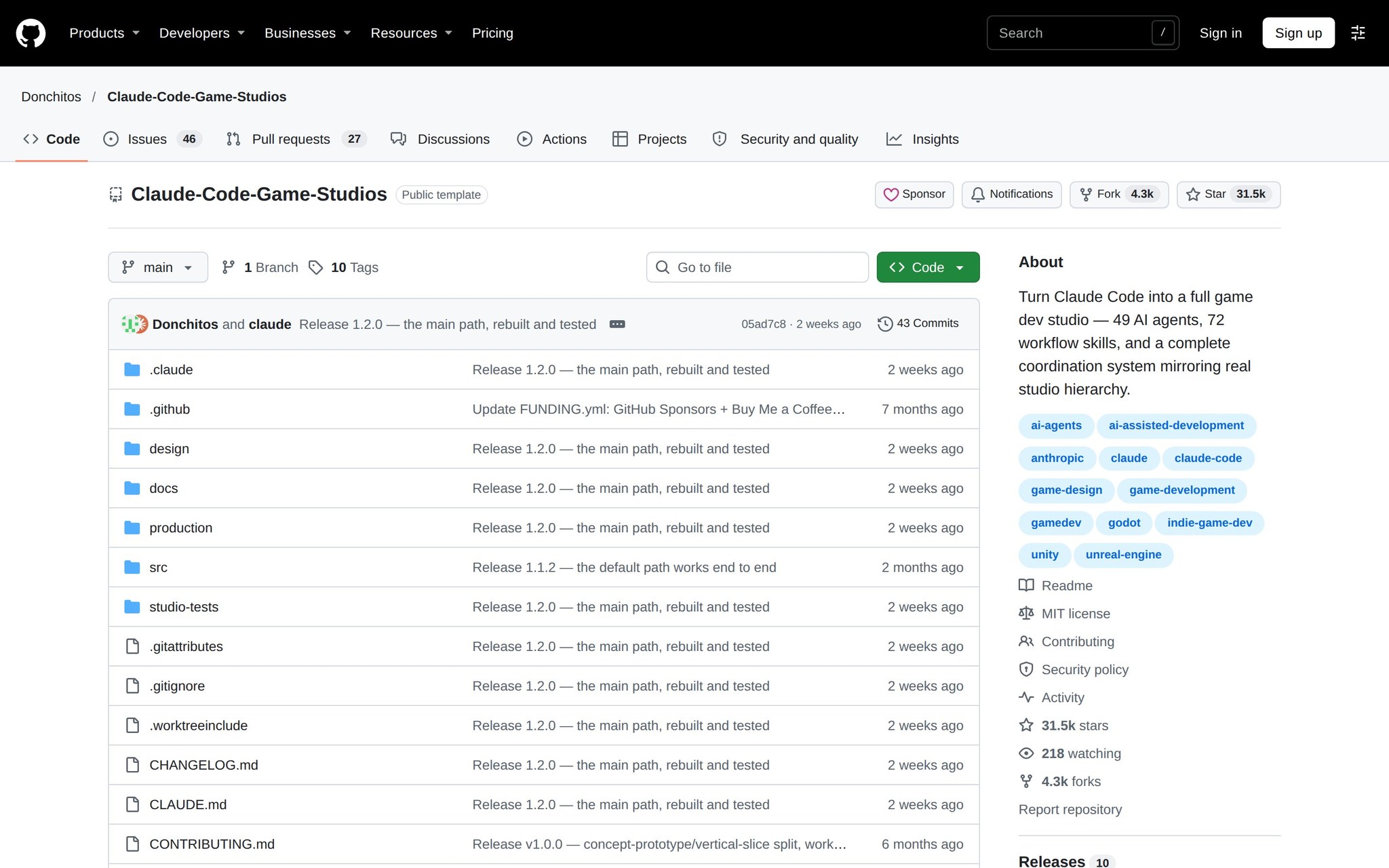
Claude-Code-Game-Studios turns Claude Code into a game-development workflow organized like a studio. It uses 49 AI agents and 72 workflow skills to divide work across a hierarchy of specialized roles. A developer can use that structure to explore how multiple agents coordinate on game creation rather than asking one agent to handle everything.
The repository was trending on October 30, 2026, and reached 29,292 stars with 4,052 forks. Its appeal is the scale of the proposed organization: 49 agents and 72 skills make the project an unusually visible test of multi-agent game development.
What You'd Build With It:
- Prototype a game workflow divided among design, production, and other studio-style roles.
- Study how 49 agents and 72 skills can be coordinated around one creative project.
- Use Claude Code as the control point for an experimental game-development studio.
- Alternative To: Alternative to managing a game project through one general-purpose coding agent.
- Stack: A Claude Code-based multi-agent workflow with 49 agents and 72 skills; the available project record does not establish a separate GPU, language, or model requirement beyond that host.
- Maturity: The project is young enough that its October 2026 trend appearance and nearly 30,000 stars are stronger evidence of interest than of a long release history.
- Skill Level: Experienced developer
- Watch Out: The studio hierarchy is ambitious, but the available evidence does not establish the quality or completeness of the games it produces.
- Our Verdict: An intriguing laboratory for experienced developers studying multi-agent coordination, not yet a safe substitute for a working game team until output quality is demonstrated on finished projects.
- Setup Difficulty: ★★★
- GitHub: https://github.com/Donchitos/Claude-Code-Game-Studios
The pattern is specialization: visual taste, persistent memory, terminal-native model access, automated video, and multi-agent production. For a weekend experiment, start with the tool closest to an existing workflow; for production, demand evidence beyond stars—repeatable output, review controls, and a clear account of where the model still needs help.
Frequently asked questions
What is the purpose of Leonxlnx/taste-skill?
Leonxlnx/taste-skill is a skill layer for coding agents that adds art direction to front-end work, improving layout and visual direction.
How does thedotmack/claude-mem benefit developers?
Thedotmack/claude-mem adds persistent context to AI-agent workflows, allowing information to survive across sessions and enabling continuity in project work.