
9:12 a.m. and a pull request lands. Fourteen files changed for a two-line fix. The real find isn't a smarter model.
It's a workflow that makes your coding agent smaller, more visible, or easier to corral. This month’s list hands off nine concrete jobs to your AI. Some have clear prices.
Others are launch-stage experiments to test.
1. Mastra Factory
What It Does
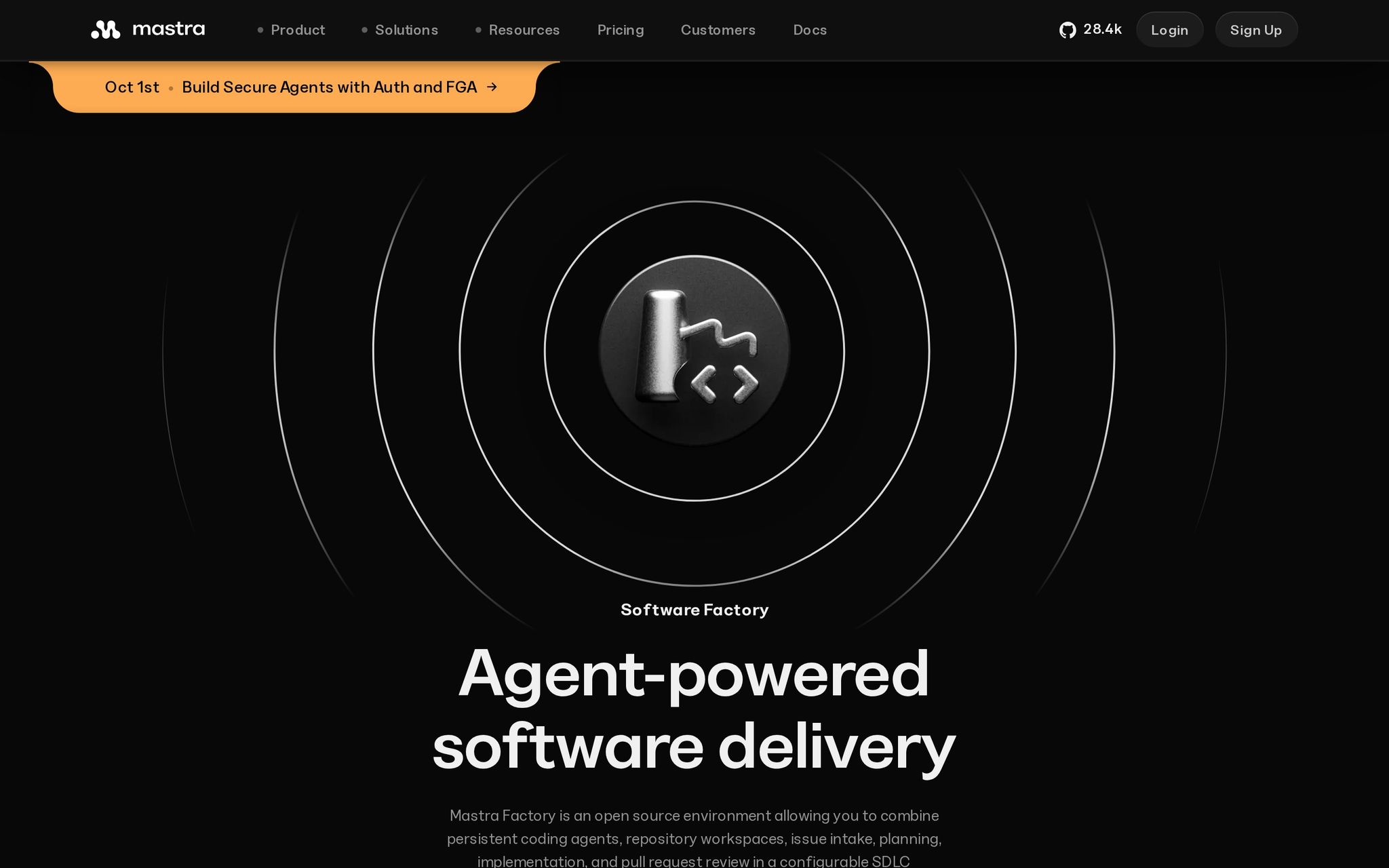
An open-source and hosted platform that runs coding agents through software delivery, from issue intake to production, with controlled stages and persistent workspaces.
Why It's Trending
Product page updated September 15, 2026. Pricing page shows active Starter and Teams tiers, signaling movement.
Key Features
- Issue-to-production workflows.
- Controlled agent runs.
- Persistent workspaces.
- Hosted Factory.
- Self-hosting.
Best For
- Developers automating issue-to-production coding workflows.
- Businesses governing agent work across delivery stages.
What Makes It Different
Combines open-source foundations, configurable pipeline stages, hosted product, and self-hosting for more deployment choice than a hosted-only agent.
Pricing
Freemium. Starter: $0/month. Teams: $250/month, plus usage overages, observability, and CPU-based pricing.
Things to Consider
- Usage limits: Model usage and overages add costs.
- Infrastructure: Self-hosting and CPU charges require budgeting.
- Enterprise features: Some capabilities add cost.
- Output quality: Requires reviewing agent changes.
Our Verdict
First for teams wanting agentic delivery, if they can budget for model, infrastructure, and observability costs.
Try it: https://mastra.ai/factory
2. Ponytail
What It Does
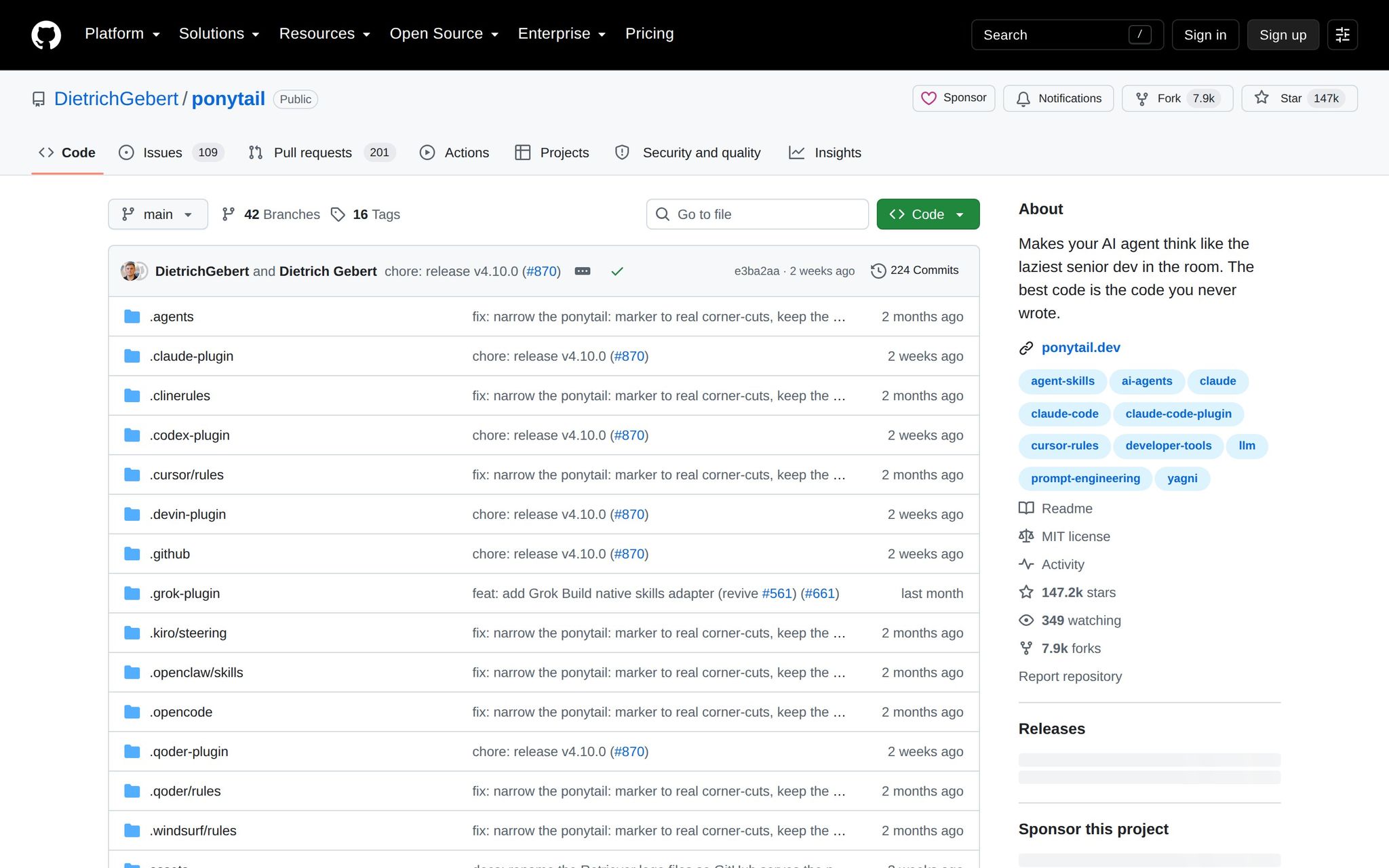
An open-source plugin for AI coding agents that pushes them to reuse existing code and write less, making changes safer, faster, and cheaper.
Why It's Trending
Version 4.10.0 released September 14, 2026, with September coverage pointing to rapid adoption. Evidence is mainly repo activity and press.
Key Features
- Minimal-code prompting.
- Code reuse.
- Agent plugin format.
- Open-source distribution.
- MIT license.
Best For
- Developers reducing unnecessary code in agent-generated changes.
- Researchers examining minimal-code prompting.
What Makes It Different
Focuses narrowly on restraint, not adding another full coding environment. It's a plugin that tells your agent to write less.
Pricing
Free. MIT-licensed as of September 2026.
Things to Consider
- Output claims: Repository claims 54% less code, unverified.
- Learning curve: Requires installation into existing workflow.
- Evidence: Momentum rests on repo activity and coverage.
Our Verdict
Suits developers using coding agents who want smaller diffs and lower costs. Measure regression rates before trusting its claims.
Try it: https://github.com/dietrichgebert/ponytail
3. Switch
What It Does
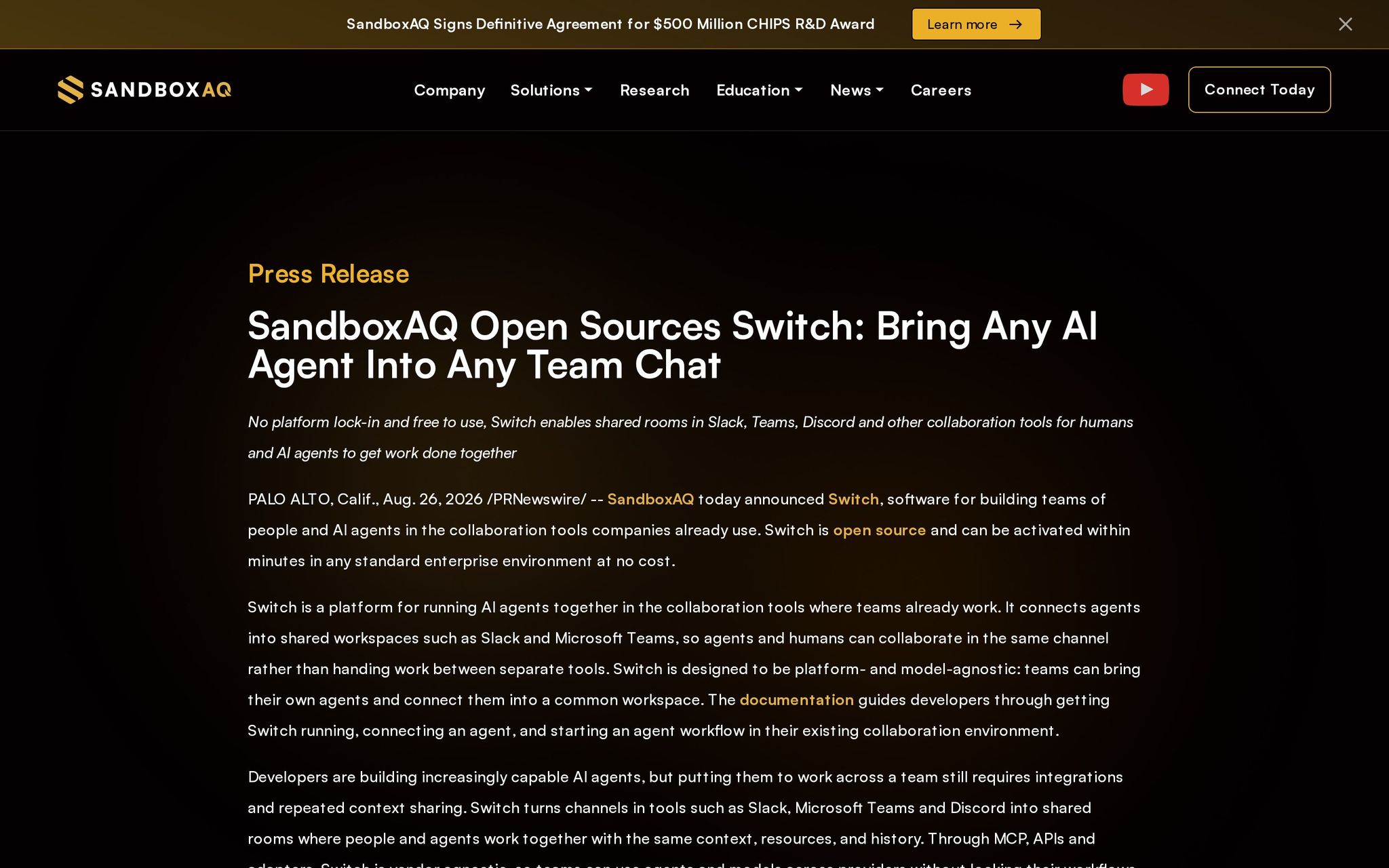
An open-source platform that places AI agents inside Slack, Microsoft Teams, Discord, and Telegram, using shared channel context and history.
Why It's Trending
Announced August 2026. September coverage described it as a fast-moving collaboration tool. Broader adoption unverified.
Key Features
- Shared chat rooms.
- Slack integration.
- Teams integration.
- Discord and Telegram support.
- Self-hosting.
Best For
- Developers coordinating agents around engineering discussions.
- Businesses embedding workflow assistance in team chat.
What Makes It Different
Puts the agent where the conversation already happens, rather than a separate dashboard. Open-source, self-hostable, with support for multiple agent models.
Pricing
Free. Activated at no cost in standard enterprise environments.
Things to Consider
- Adoption: Unverified beyond launch interest.
- Integrations: Support listed, but deeper coverage not detailed.
- Data/privacy: Self-hosting available but context governance needed.
- Output quality: Still requires human coordination.
Our Verdict
A strong fit for teams that coordinate in chat and want agents there, if comfortable validating a newly launched platform first.
Try it: https://www.sandboxaq.com/press/sandboxaq-open-sources-switch-bring-any-ai-agent-into-any-team-chat
4. Tadata
What It Does
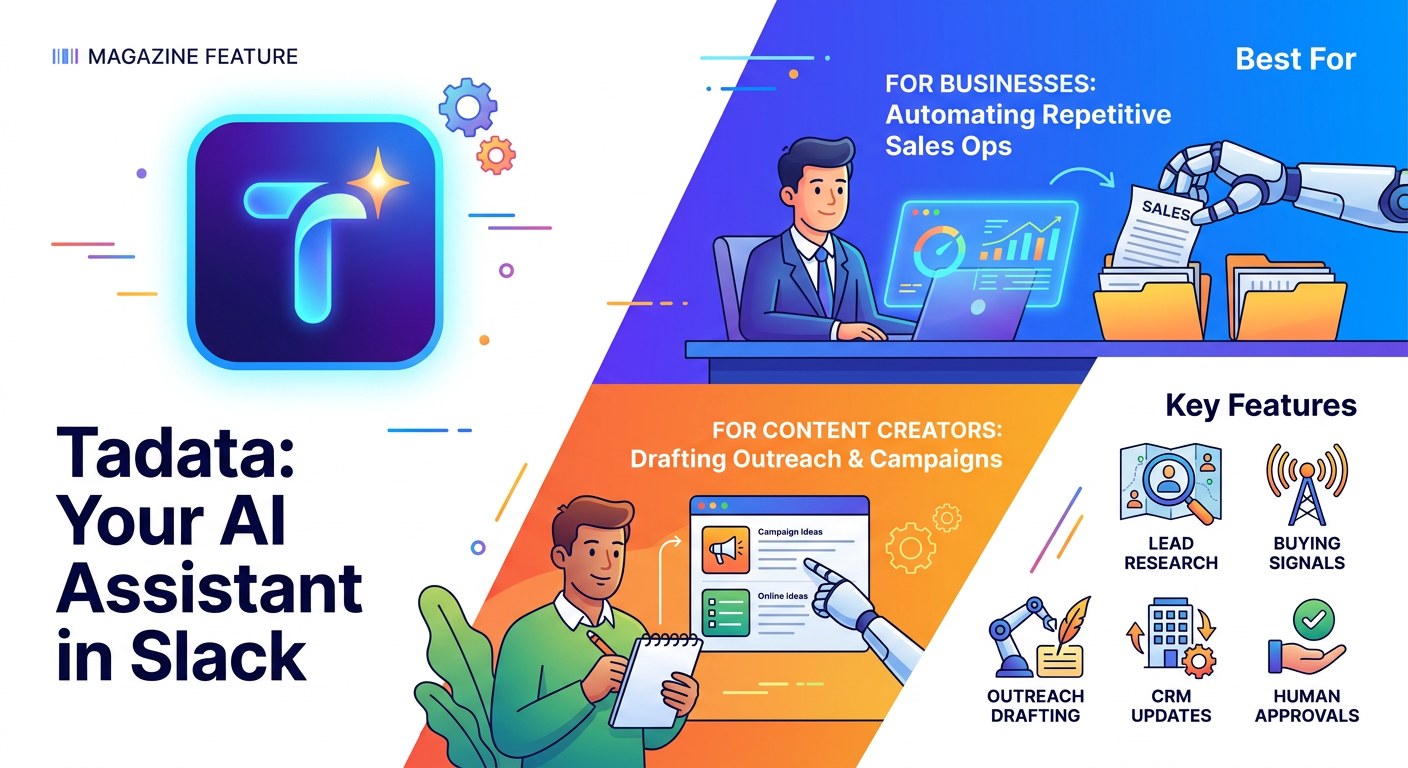
A Slack-native AI employee for sales and go-to-market work that researches leads, monitors buying signals, drafts outreach, updates CRMs, and prepares briefings for approval.
Why It's Trending
Launched September 6, 2026, with strong launch attention. Timely signal, but independent proof of performance at scale is missing.
Key Features
- Lead research.
- Buying-signal monitoring.
- Outreach drafting.
- CRM updates.
- Human approvals.
Best For
- Businesses automating repetitive sales operations.
- Content creators drafting outreach and campaign copy.
What Makes It Different
Positions as a Slack-native AI employee, not a general automation builder. Distinguishing workflow is requesting and approving work inside Slack.
Pricing
Freemium. Free tier: 1,000 one-time credits. Standard: $39/month for 1,000 monthly credits.
Things to Consider
- Usage: Credits finite; free allowance is one-time.
- Output: Requires human approval.
- Evidence: Limited independent reporting beyond launch.
Our Verdict
Fits Slack-centered sales teams wanting research and CRM chores proposed in conversation. The credit model and approvals make it a workflow assistant.
Try it: https://tadata.ai
5. Loqua
What It Does
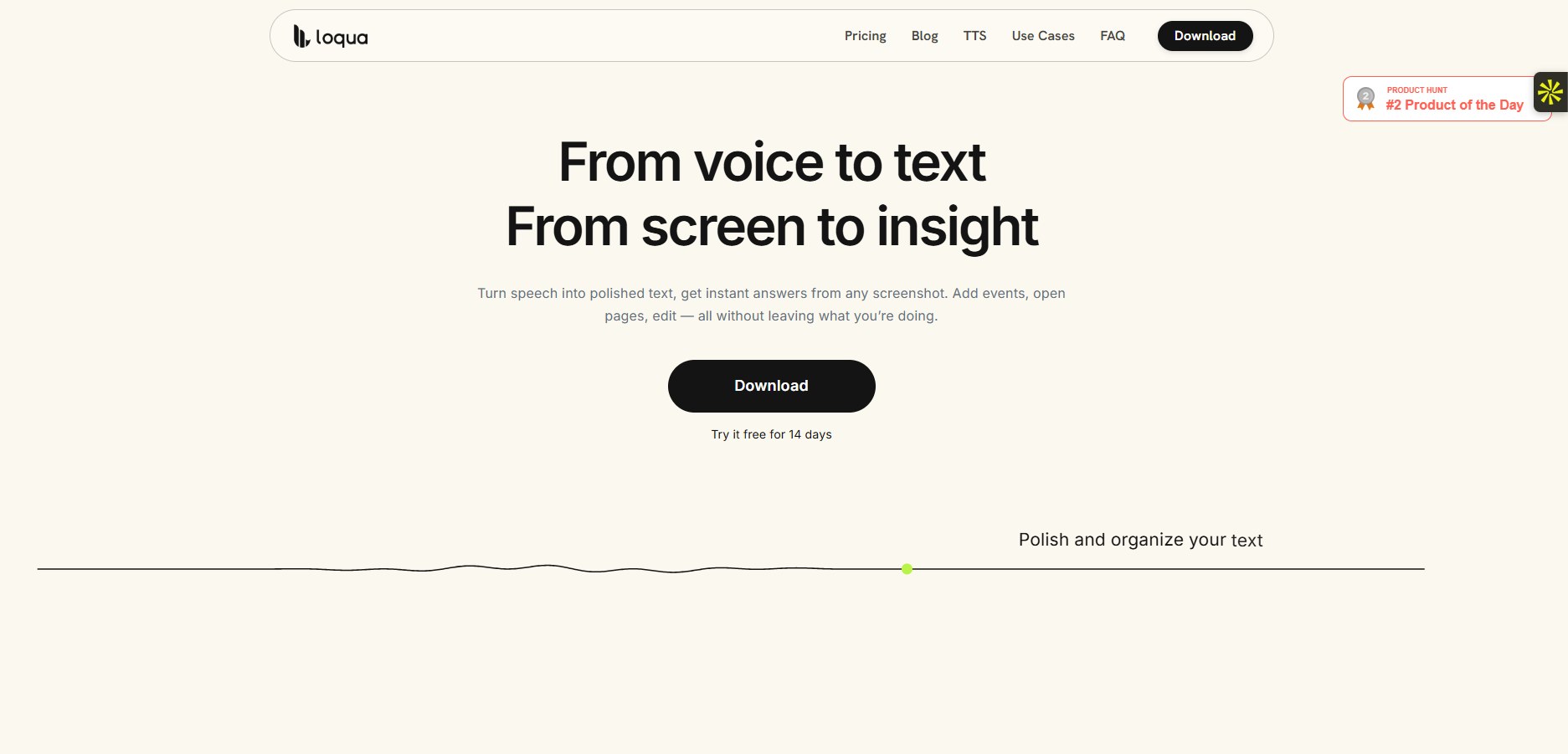
A desktop voice-productivity tool that turns spoken thoughts into edited, structured text inside applications, with voice commands for rewriting, translation, or scheduling.
Why It's Trending
Launch coverage September 11, 2026 reported strong launch-day engagement. Visibility current, but long-term usefulness unverified.
Key Features
- Speech-to-text drafting.
- Rewrite commands.
- Translation.
- Scheduling workflows.
- Cross-application input.
Best For
- Content creators turning spoken ideas into drafts.
- Developers capturing notes hands-free.
- Researchers dictating and restructuring notes.
What Makes It Different
Focuses on the jump from rough speech to usable text without a context switch. Differentiator is dictation, editing, translation, and scheduling all by voice.
Pricing
Freemium. Free for one month. Longer-term pricing not published.
Things to Consider
- Learning curve: Must learn voice commands.
- Usage: Only a one-month free period.
- Evidence: No independent long-term usage evidence.
Our Verdict
For people who think faster than they type, especially creators and developers. The short free period makes sustained value hard to judge before pricing is clear.
Try it: https://www.loqua.ai
6. BriefCatch
What It Does
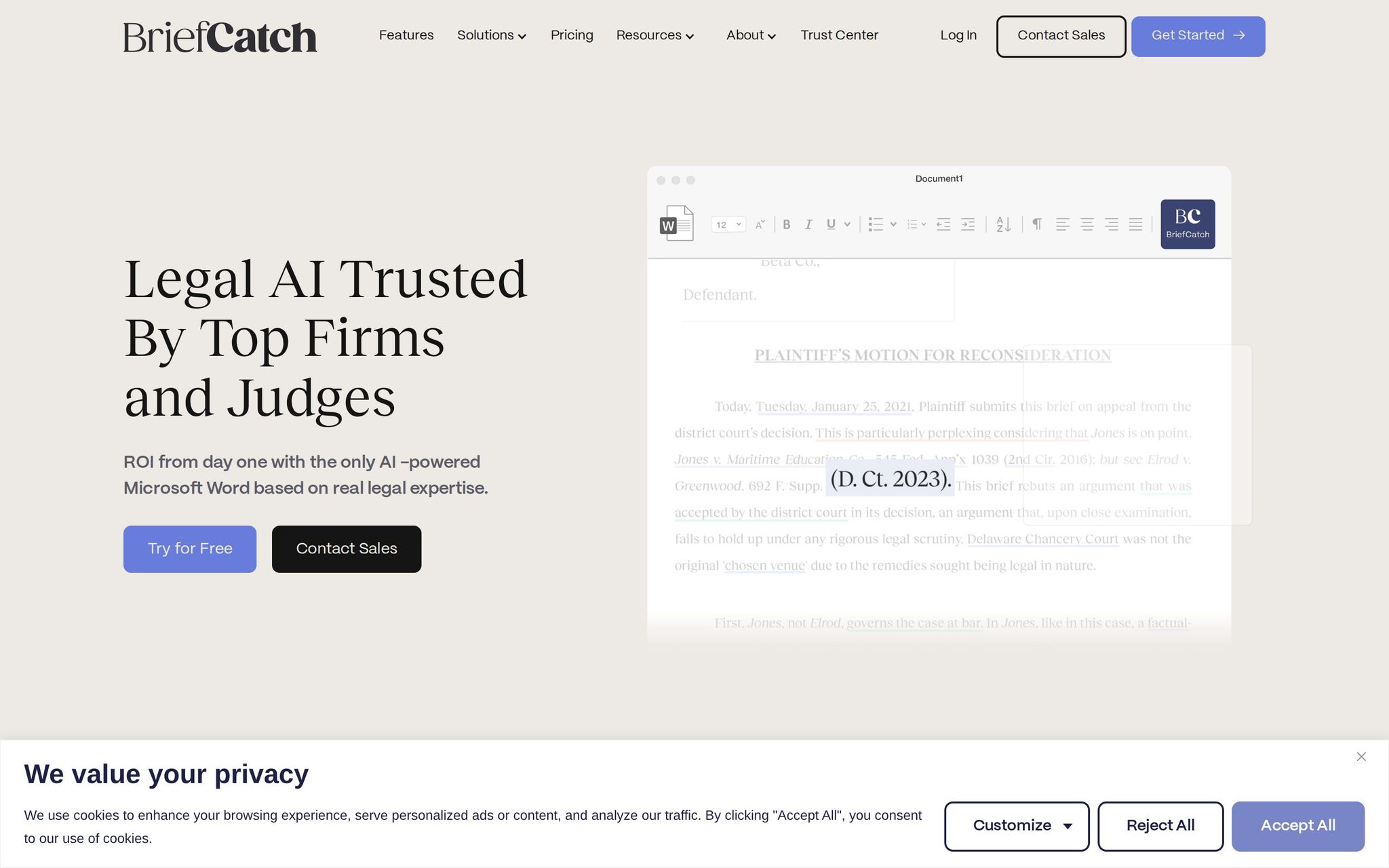
A legal writing and editing suite for drafting and revising documents with AI assistance, letting legal professionals tighten, edit, and revise writing.
Why It's Trending
Unified suite launched September 9, 2026. Legal-tech coverage reported the launch. Attention from product release, not published adoption or benchmarks.
Key Features
- AI drafting assistance.
- AI editing assistance.
- Unified suite.
- Legal workflow focus.
- Seven-day trial.
Best For
- Businesses standardizing legal drafting and revision.
- Researchers studying AI in professional writing.
What Makes It Different
A complete legal writing suite, not a single proofreading add-on. Narrower legal workflow distinguishes it from general writing assistants.
Pricing
Freemium. Seven-day free trial. Full pricing not visible.
Things to Consider
- Trial: Lasts seven days.
- Output: Requires qualified human review.
Our Verdict
Relevant to legal teams evaluating a focused alternative to general writing assistants. The seven-day trial and undisclosed price require careful procurement review.
Try it: https://www.briefcatch.com
7. Storyflow
What It Does
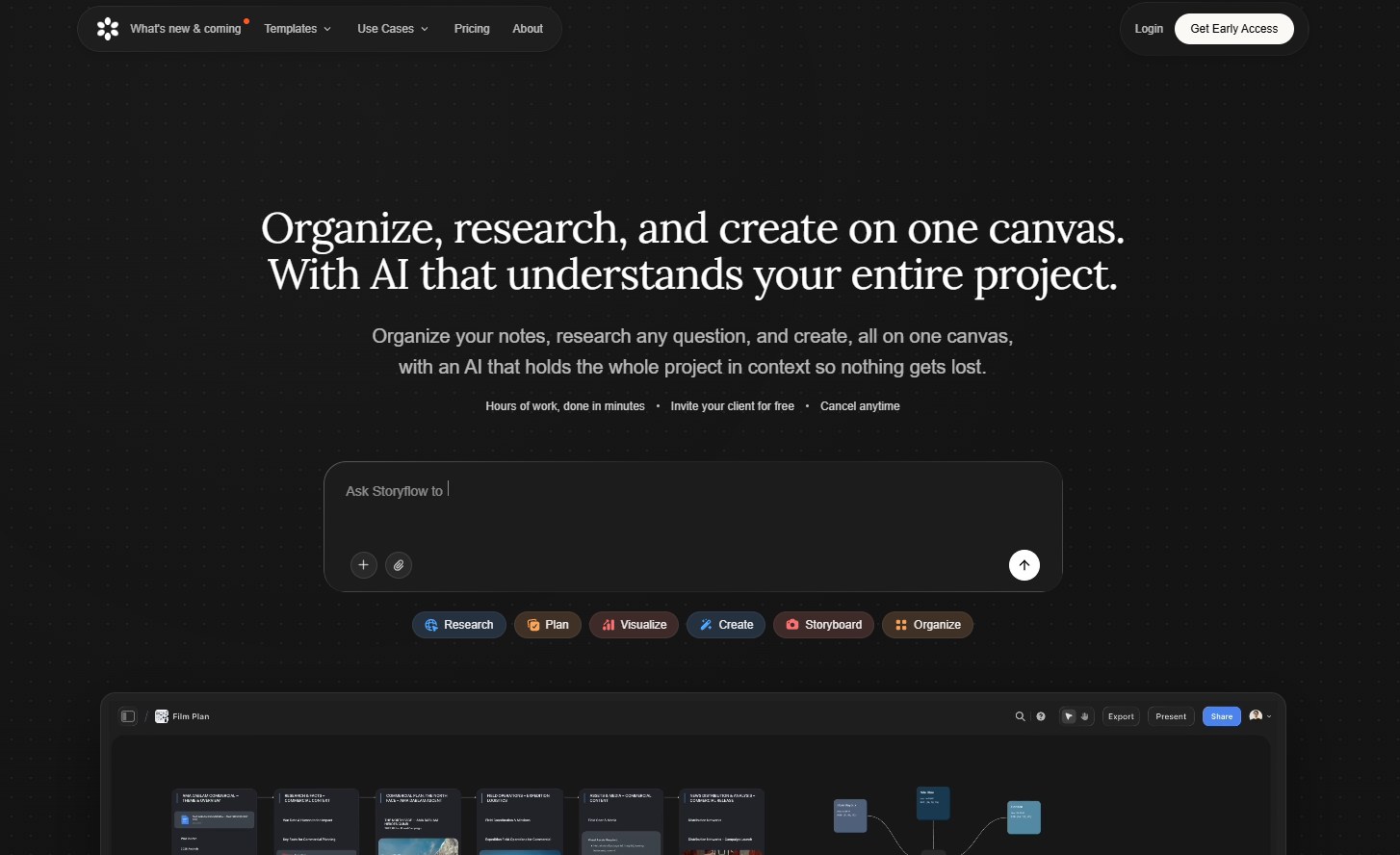
An AI document editor built around project context and collaboration, editing while the system reads the whole canvas and referenced documents.
Why It's Trending
An early-access pick, not a launch with large adoption signal. Product page lists paid tiers; free plan scheduled for late 2026.
Key Features
- Whole-canvas context.
- Mentioned-document context.
- Project-aware editing.
- Document collaboration.
- Paid early access.
Best For
- Content creators revising long-form documents with context.
- Businesses editing shared project documentation.
- Researchers maintaining multi-document drafts.
What Makes It Different
Distinguishing workflow is whole-canvas context plus cross-document references, not single-file prompting. It uses surrounding project material.
Pricing
Paid. Plans start at $7.99/month billed annually. Free plan scheduled for late 2026.
Things to Consider
- Learning curve: Must adapt to whole-canvas and cross-document context.
- Free plan: Not available as of September 2026.
Our Verdict
Fits teams editing substantial documents across linked files, especially during early access. Wait for the free plan if needed.
Try it: https://storyflow.so
8. Browser Use

What It Does
A developer framework and cloud service for AI agents that complete tasks through websites, automating browser-based workflows.
Why It's Trending
September 2026 pricing page described free tier, paid plans, and discounts. Evidence pricing-focused; broad independent reports scarce.
Key Features
- Browser agents.
- Developer framework.
- Self-hosting.
- Cloud option.
- Free tier.
Best For
- Developers automating browser-based workflows.
- Businesses operationalizing repetitive web interactions.
What Makes It Different
Combines a developer framework with self-hosted and cloud deployment. Agent-based approach delegates web tasks, not just replaying fixed scripts.
Pricing
Freemium. Free tier. Dev: $29/month. Business: $299/month. Scaleup: $999/month. Enterprise: custom.
Things to Consider
- Output: Agents need checking when pages or workflows change.
- Pricing: Tiers from July 2026; latest coverage September 2026.
Our Verdict
Suits developers needing agents to operate real websites with self-hosting or cloud choice, if they can monitor failures when web interfaces change.
Try it: https://browser-use.com
9. Grok Bot
What It Does
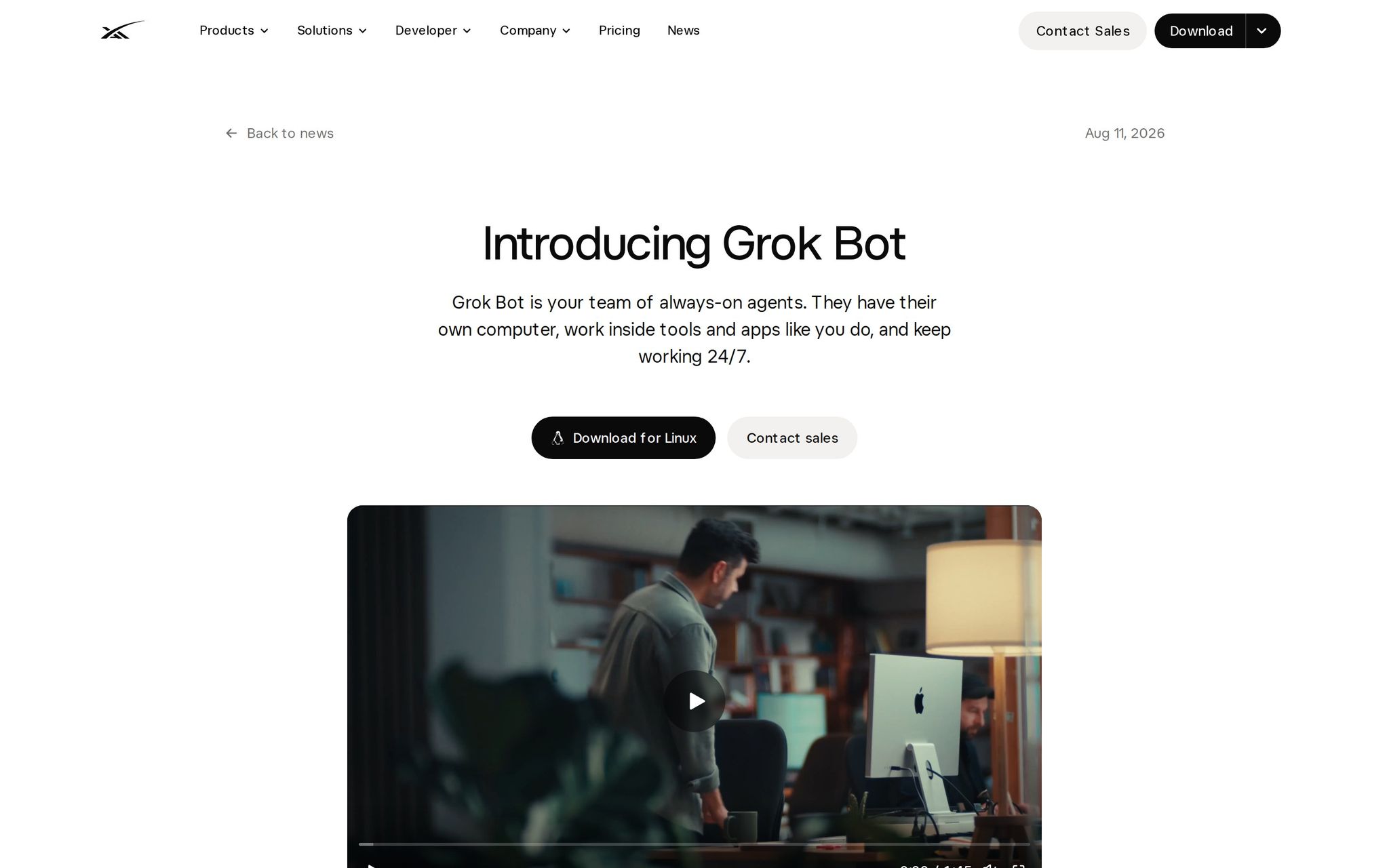
A beta AI teammate that runs on a persistent cloud computer, delegating multi-step work across apps and websites using browser, filesystem, and terminal.
Why It's Trending
Launched August 2026, expanded to more plans including Cursor and SuperGrok subscriptions. Access on desktop and iOS by late August.
Key Features
- Persistent cloud computer.
- Long-lived context.
- Browser access.
- Filesystem access.
- Terminal access.
Best For
- Developers delegating multi-step tasks across tools.
- Businesses exploring persistent agent workflows.
- Content creators handing off cross-application tasks.
What Makes It Different
Makes the agent's computer the product: browser, filesystem, terminal, and persistent context. Emphasizes an always-on teammate, not a single chat session.
Pricing
Paid. Included with eligible paid plans as of August 2026. No standalone price.
Things to Consider
- Usage: Depends on eligible paid plans.
- Output: Multi-step work needs human verification.
- Access: Enterprise on a waitlist at launch.
Our Verdict
The most ambitious delegation option for developers testing persistent agents, but beta status, plan-dependent access, and waitlist argue for supervised experiments.
Try it: https://x.ai/news/introducing-grok-bot
The pattern is practical: smaller code, agents inside chat, context-rich documents, browser work. Start with the tool matching a repeated task. Measure review time, failure rate, and cost.
Decide if the agent earns a larger role.