
This month we look at the best emerging AI tools that earned attention through a real launch, upgrade, adoption signal, or newly viable workflow. The list nearly broke at item ten; too many August headlines were just funding stories, pricing pages, or old products in fresh packaging. None of these tools has been hands-on tested by the magazine, so the ratings reflect evidence available as of August 24—not vendor promises passed off as fact.
1. OpenCode — Open-Source / Developer AI
Open-Source / Developer AI · OpenCode · Free core; Go $10/mo
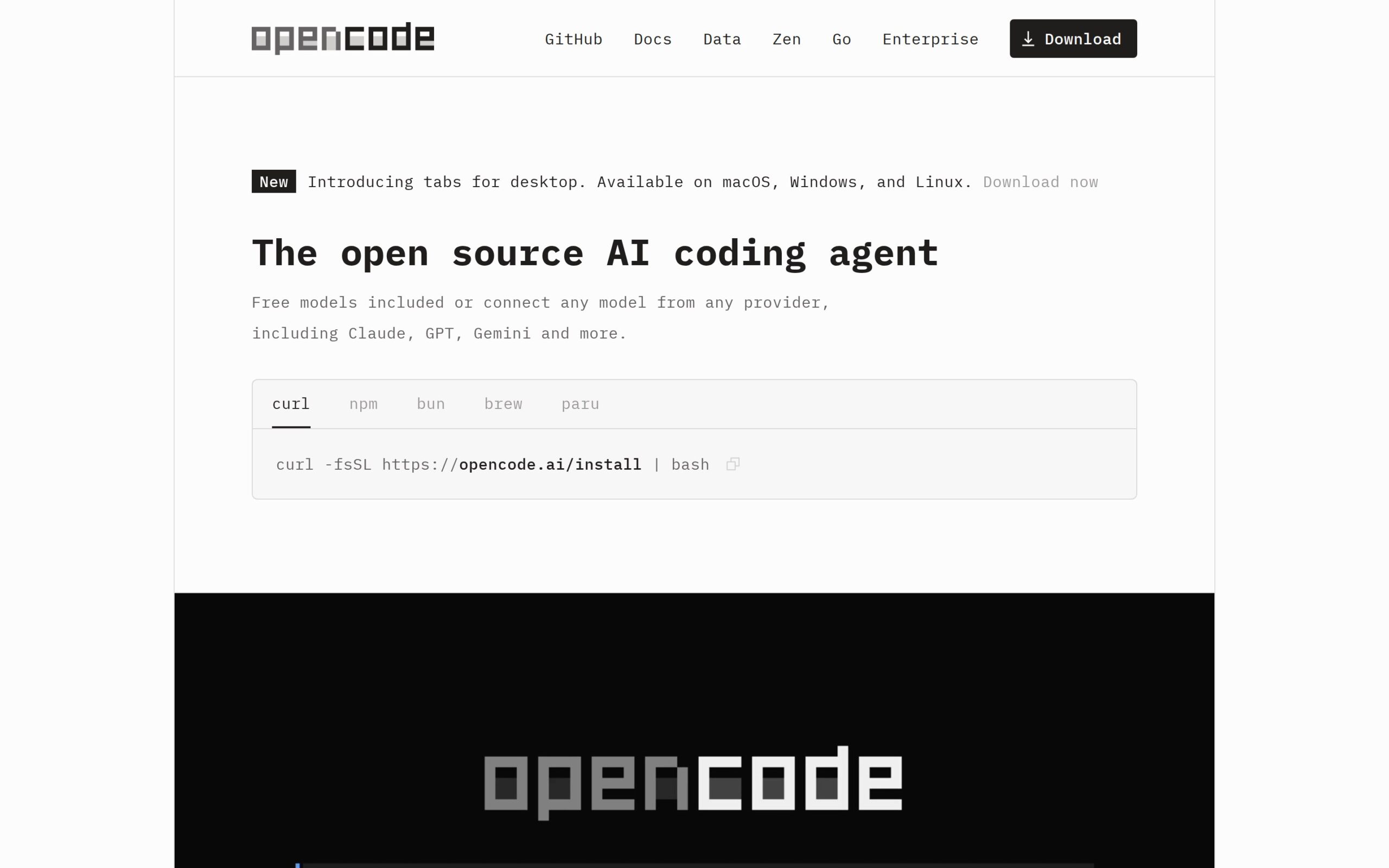
OpenCode is a coding agent that works from a terminal, desktop app, IDE extension, or browser. Developers use it to delegate coding tasks while choosing their own model provider and API key, or paying for curated model access. The payoff is control: one agent without being pinned to one model vendor or interface.
OpenCode reportedly reached 120,000 GitHub stars in 2026 while expanding beyond its free core into Go and usage-based Zen plans. Stars are not proof of quality, but open-source momentum paired with an actual business model beats another polished launch-day demo. That evidence puts OpenCode at the top of this list.
- Best For: Developers who want a coding agent without model lock-in should start here. Beginners expecting a fully bundled free service should not.
- The Interesting Part: Model choice is the point. OpenCode carries that choice across several interfaces instead of tying the agent to one editor and one subscription.
- Watch Out: The word “free” needs an asterisk. Bringing an API key or existing model subscription can turn meaningful use into a scattered, unpredictable bill.
- Our Take: ★★★★★
- Try It If: Try it if model lock-in irritates you more than provider configuration does.
- Official site: https://opencode.ai
2. CodeRabbit — AI Coding
AI Coding · CodeRabbit · Free for open source
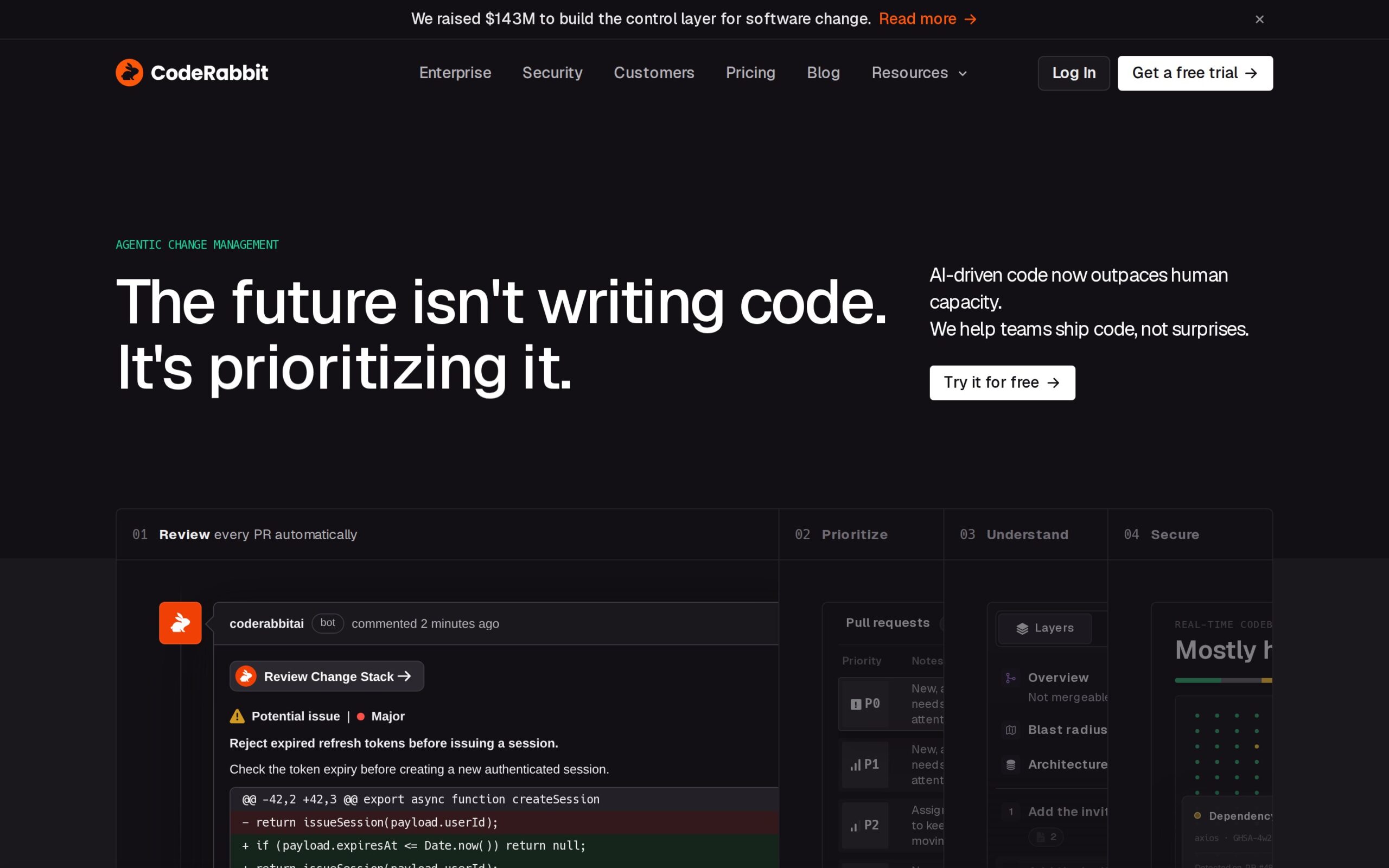
CodeRabbit is an automated review service for pull requests. It reads proposed code changes, leaves feedback, and provides agent-assisted help before another developer conducts the accountable review. Teams use it to clear an initial inspection pass without making senior engineers handle every obvious issue.
Reuters reported on August 12, 2026, that CodeRabbit had a $1.5 billion valuation and planned to spend more than $10 million keeping AI review and agent capabilities free for open-source projects. Ignore the valuation; it says little about review quality. The open-source subsidy could materially help maintainers, which is why CodeRabbit ranks this high.
- Best For: Maintainers and busy engineering teams that need a first review pass will get the most value. Teams hoping to eliminate accountable human approval are asking it to do the wrong job.
- The Interesting Part: Automated comments are common. A promised $10 million commitment to free access for open-source maintainers is the consequential part.
- Watch Out: The independent reporting verifies the funding and commitment—not review accuracy, false-positive rates, or performance on complicated repositories. Those omissions matter more than the valuation.
- Our Take: ★★★★☆
- Try It If: Run it on a noncritical repository if pull-request queues are consuming senior developer time.
- Official site: https://coderabbit.ai/
3. Wispr Flow Notetaker — AI Voice & Audio
AI Voice & Audio · Wispr · Free tier; Pro $15/user/mo
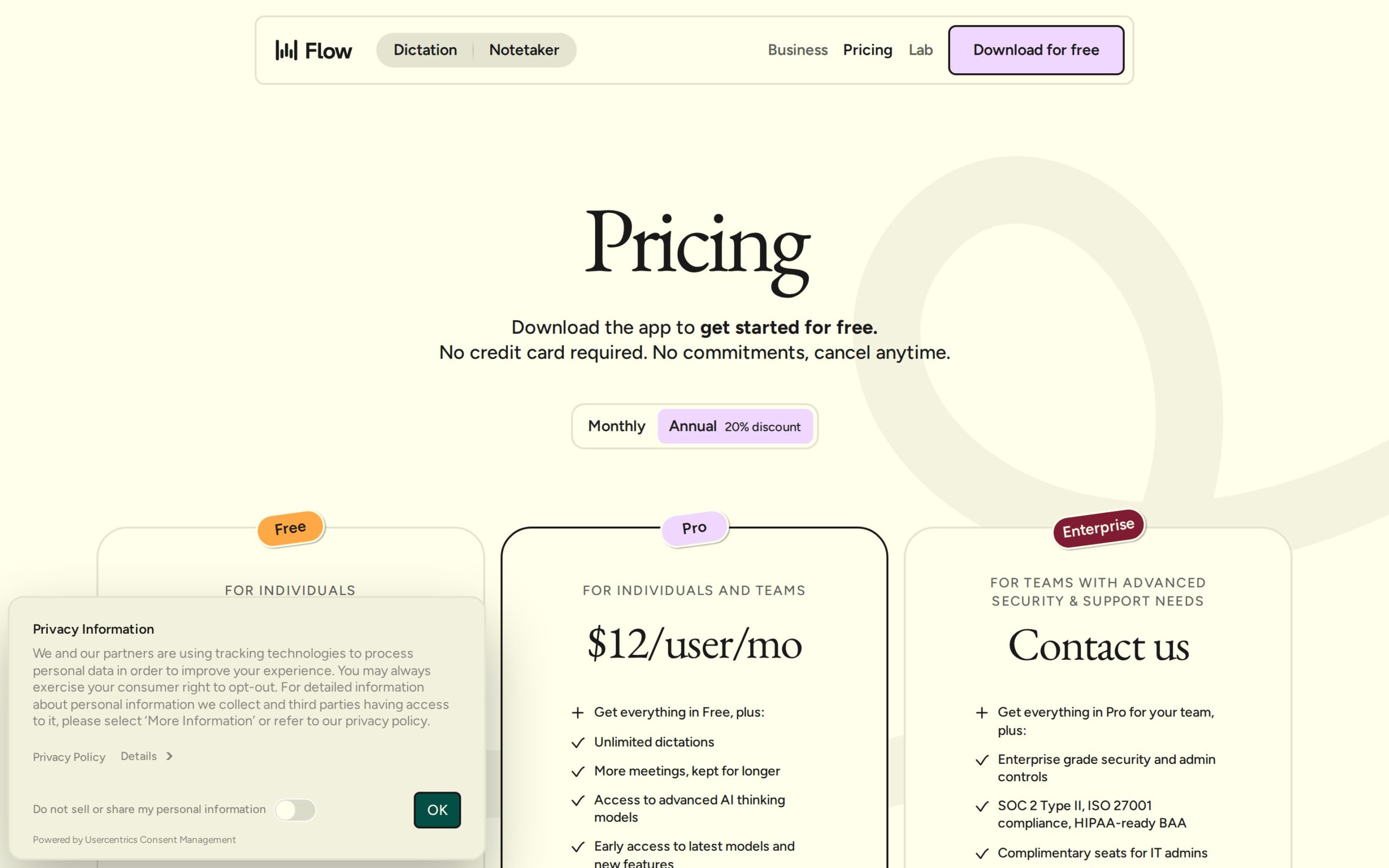
Wispr Flow Notetaker is a Mac meeting recorder that captures system audio without placing a visible bot in the call. It transcribes the conversation, identifies speakers, summarizes the discussion, and answers questions about what was said. The practical benefit is searchable meeting notes without an awkward extra attendee.
Wispr launched Notetaker on August 5, 2026, expanding Flow beyond dictation and into meeting capture. It was available on the free plan at launch, although Wispr did not publish the weekly meeting allowance. That missing cap keeps an otherwise useful launch from scoring higher.
- Best For: Mac users who hate bot participants and need searchable notes after routine calls are the obvious audience. Windows users are locked out for now.
- The Interesting Part: Capturing the Mac’s system audio removes the conspicuous bot attendee that makes conventional meeting assistants socially awkward. It is a small workflow change with an immediately recognizable benefit.
- Watch Out: Mac-only availability is a major restriction. Worse, the undisclosed free-plan cap makes the supposedly free tier impossible to value with confidence.
- Our Take: ★★★★☆
- Try It If: Try it if meeting bots irritate your clients and every participant is comfortable with local capture.
- Official site: https://wisprflow.ai/pricing
4. Mistral OCR 4 — AI Research & Knowledge
AI Research & Knowledge · Mistral · From $2/1,000 pages
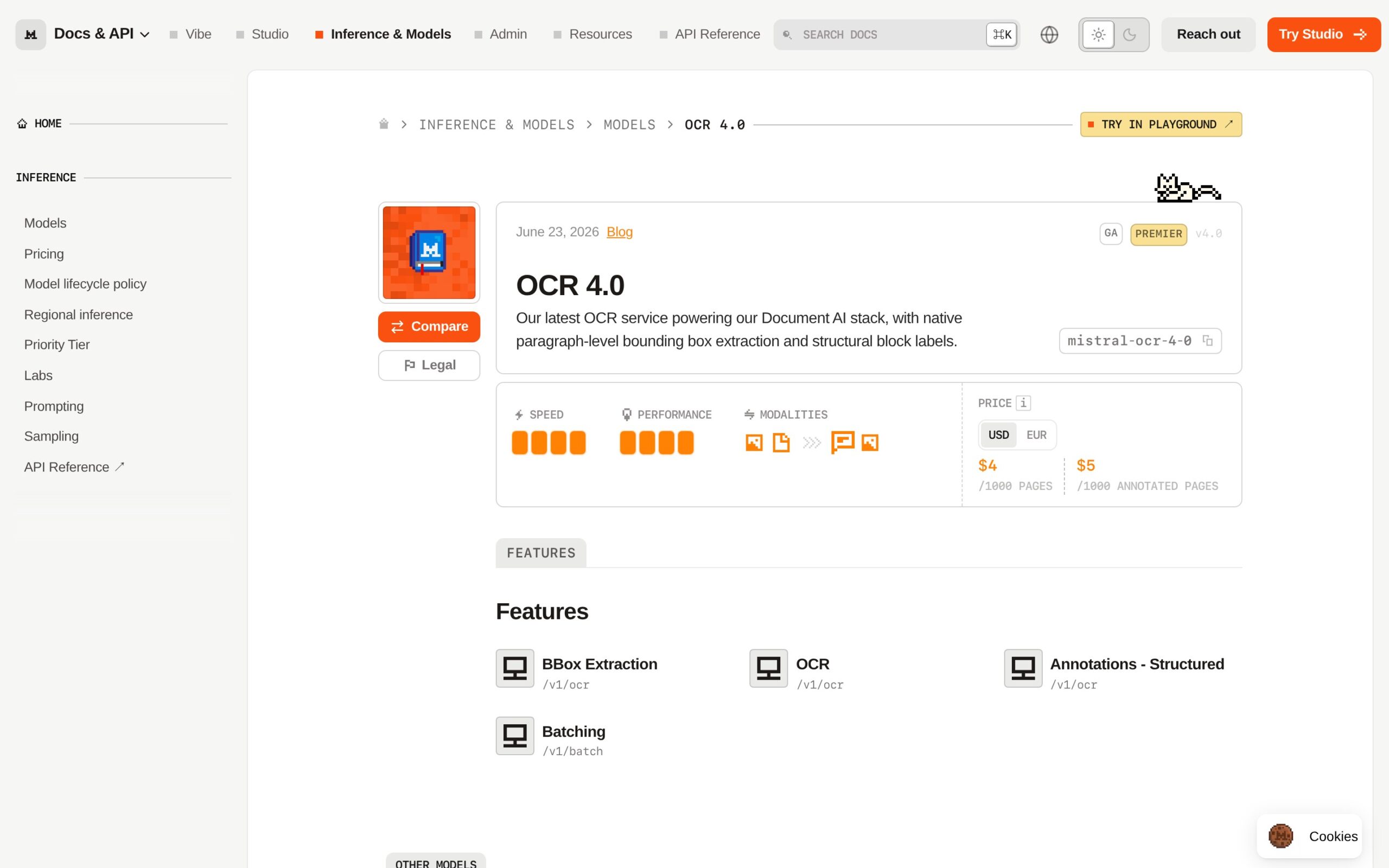
Mistral OCR 4 is a document-reading service that converts pages into machine-usable text or structured JSON. Developers can use its API to pull fields from invoices, forms, reports, and other document batches rather than building an OCR pipeline from scratch. It is meant for repeatable extraction, not casual PDF reading.
The 2026 commercial pricing is the story: $4 per 1,000 pages through the standard API, $2 in batch, or $5 for schema-driven JSON. The $2 batch rate makes volume processing economically interesting. Whether the accuracy survives ugly real-world paperwork is another question.
- Best For: Developers automating repeatable document extraction should shortlist it. Anyone who only needs to search a few PDFs is shopping in the wrong aisle.
- The Interesting Part: Schema-driven JSON does more than transcribe a page. It shapes extracted information for downstream business systems, which can eliminate a tedious cleanup step.
- Watch Out: The independent evidence gathered here comes from secondary analysis. There is no reproduced accuracy benchmark showing how Mistral OCR 4 handles messy scans or irregular layouts, so the attractive price is not yet a complete value calculation.
- Our Take: ★★★★☆
- Try It If: Test it against a representative document set before committing a production workflow to that attractive batch price.
- Official site: https://docs.mistral.ai/models/ocr-4-0
5. Unabyss for Claude — AI Agents & Automation
AI Agents & Automation · Unabyss · $15/mo; 7-day trial
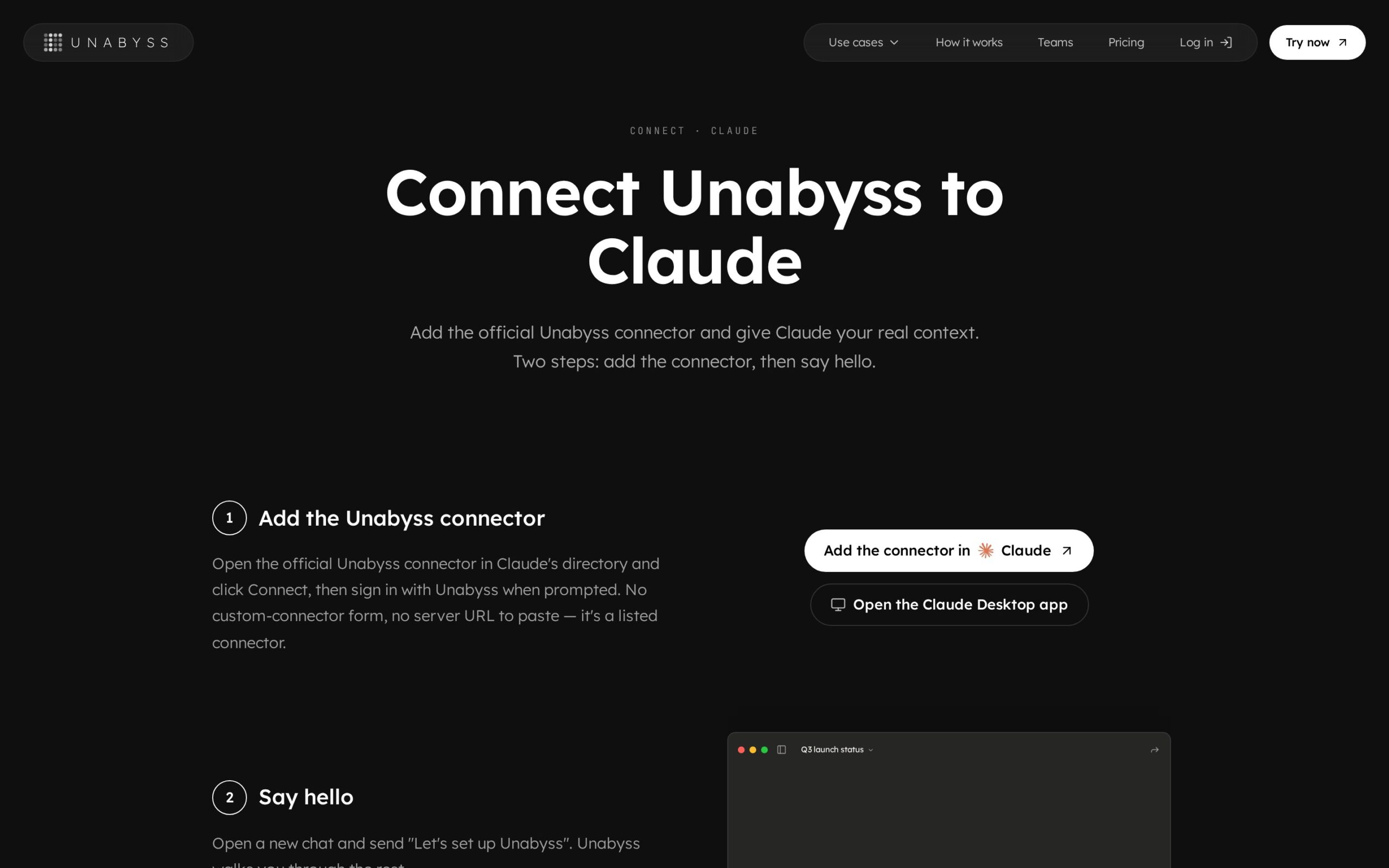
Unabyss is a context connector that gives Claude continuing access to information scattered across workplace apps. It synchronizes material from services including Slack, Gmail, Notion, and GitHub. Users get chats that begin with shared organizational context instead of another round of project briefing.
Version 1.11.0 shipped on July 31, 2026, adding the official Claude connector. That release turned Unabyss from a broad context-layer pitch into something Claude users could connect directly. It is a meaningful step, but thin adoption evidence holds the rating to 3.
- Best For: Founders and operators who repeatedly explain the same company work to Claude have the clearest use case. They also need to be comfortable with another service touching that context.
- The Interesting Part: Shared memory can follow work across MCP-compatible tools instead of dying inside one chat history. That directly targets one of the most tedious parts of using assistants for ongoing work.
- Watch Out: Independent adoption evidence largely stops at marketplace listings. Free accounts allow only one connector, and the paid plan begins after a seven-day trial, so this is neither proven nor especially generous.
- Our Take: ★★★☆☆
- Try It If: Try it if you spend more time re-explaining current projects to Claude than checking its answers.
- Official site: https://unabyss.com/connect-claude
6. Teable 3.0 — AI for Business
AI for Business · Teable · Free tier; Pro $10/seat/mo
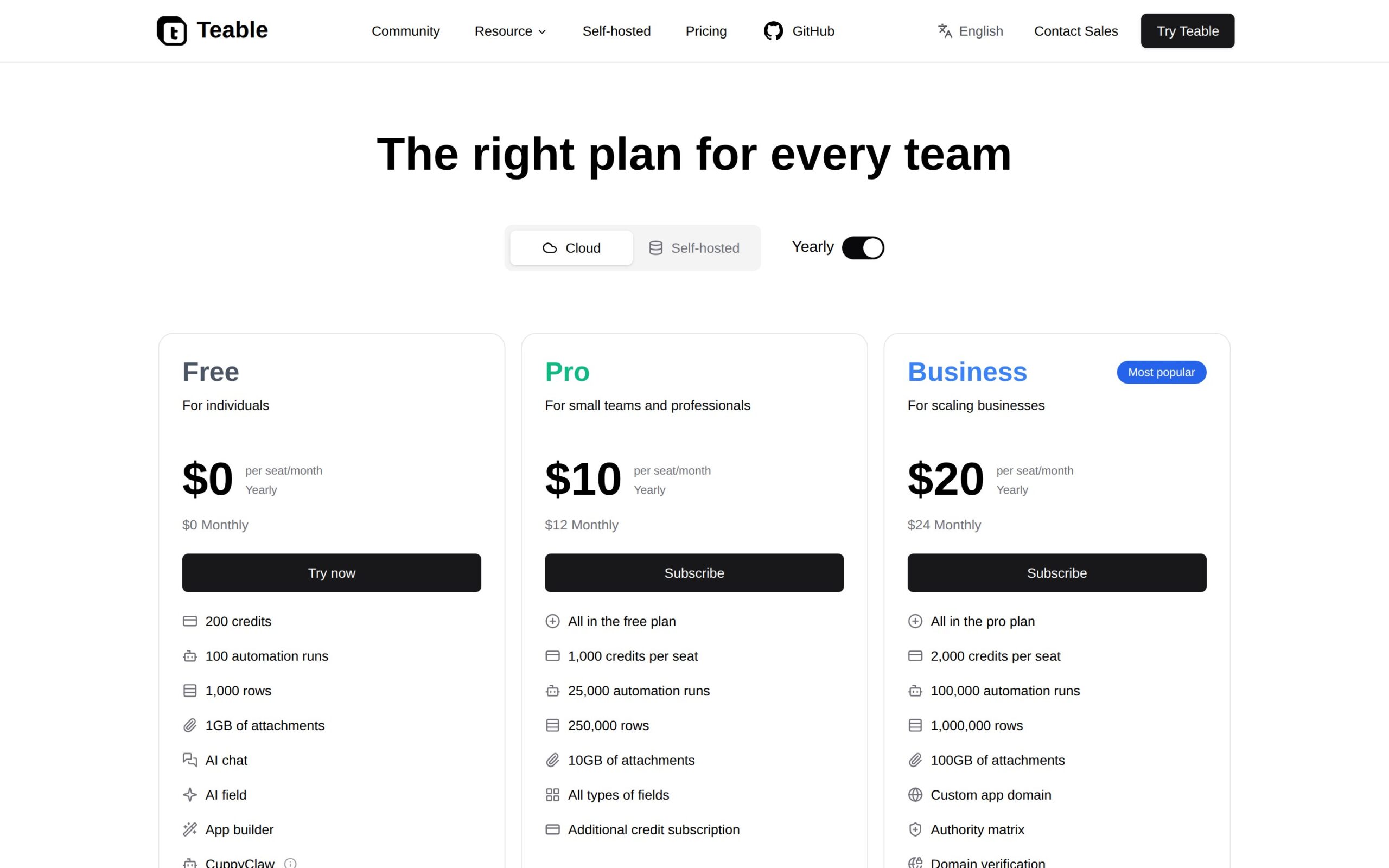
Teable is a collaborative database wrapped in a familiar spreadsheet-style workspace. Teams use it to organize operational data, automate recurring steps, and apply AI inside shared tables. The benefit is database structure without forcing every coworker to operate a conventional database.
A July 2026 version 3.0 launch arrived with updated pricing and billing documentation for cloud and self-hosted deployments. Clearer packaging makes Teable easier to deploy and buy. It does not prove broad adoption, and documentation alone is not traction.
- Best For: Operations teams that have outgrown spreadsheets but are not ready to build a custom internal application are the fit. Everyone else may find the category familiar rather than essential.
- The Interesting Part: Self-hosting combined with spreadsheet-style collaboration is the differentiator. Strip that away and Teable is a familiar category delivered as a more controllable workspace.
- Watch Out: Editors cost $10 per seat monthly on annual Pro billing. Available evidence says little about reliability, ecosystem depth, or traction beyond vendor documentation, which makes a business-critical rollout premature.
- Our Take: ★★★☆☆
- Try It If: Use the free plan when a shared spreadsheet has quietly become business-critical and dangerously improvised.
- Official site: https://teable.ai/pricing
7. Zendesk Autonomous Service Workforce — AI Agents & Automation
AI Agents & Automation · Zendesk · From $1.50/resolution
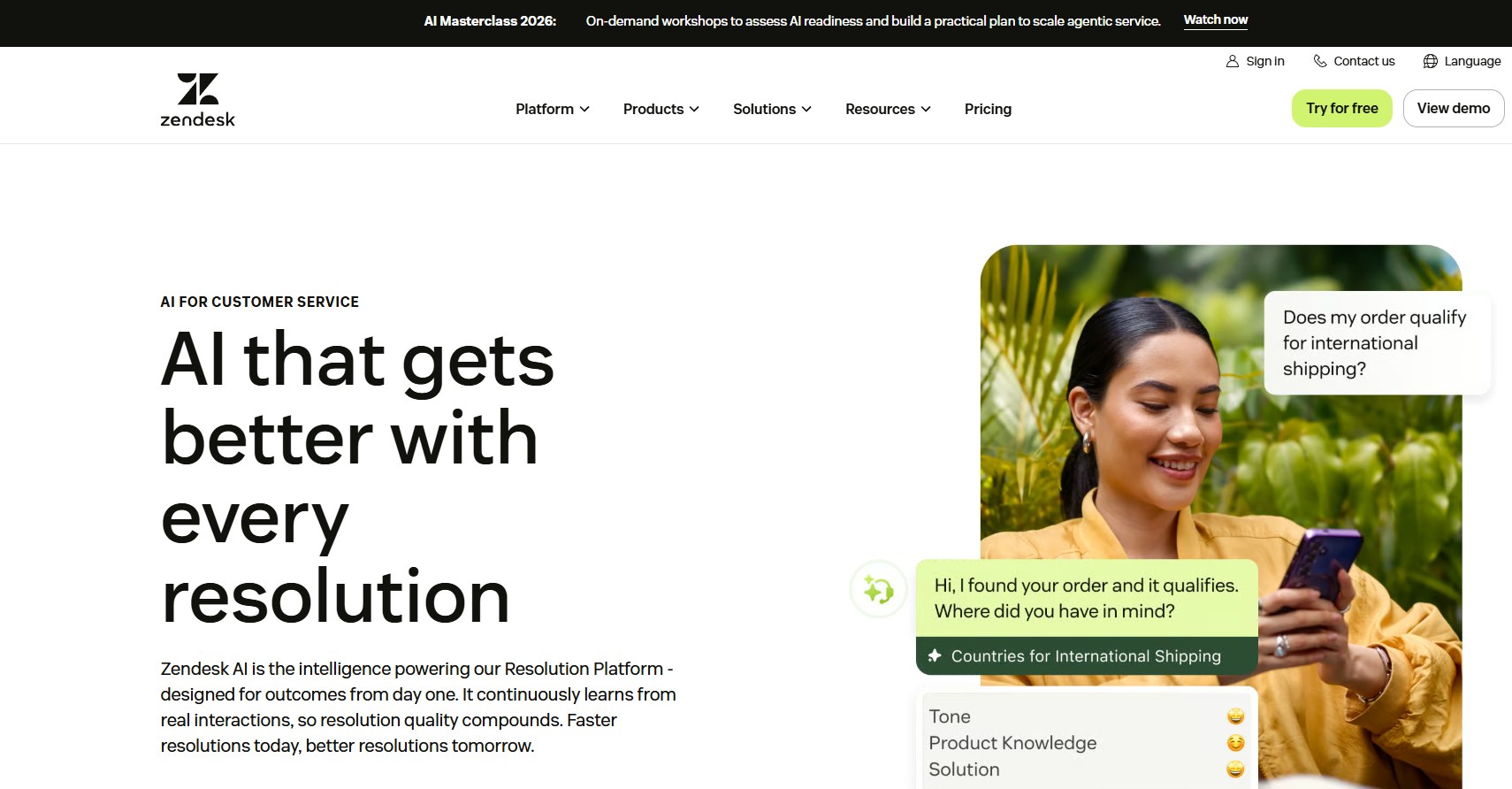
Zendesk’s Autonomous Service Workforce is customer-support software built around AI agents. Support teams use it to resolve incoming requests automatically, while the Advanced AI add-on provides additional assistance to human agents. The promised benefit is fewer tickets requiring manual handling.
Zendesk launched the product in May 2026 and shifted the buying unit toward completed automated resolutions. Pricing is $1.50 per committed resolution or $2 pay-as-you-go, while Advanced AI adds $50 per human agent monthly. The billing model is refreshingly concrete, but concrete does not automatically mean cheap.
- Best For: Established support operations that can measure resolution quality and escalation costs are best equipped to use it. Small teams with unpredictable ticket volume face too much billing uncertainty.
- The Interesting Part: Charging by automated resolution makes the economic claim unusually explicit. The agent has to finish work, not merely produce text—at least according to the billing unit.
- Watch Out: Resolution-based billing can become expensive at scale. More important, available coverage does not establish whether Zendesk’s definition of “resolved” matches the customer’s, and that gap can wreck the economics.
- Our Take: ★★★☆☆
- Try It If: Pilot it only if you can audit reopened tickets and compare total cost per genuinely resolved case.
- Official site: https://www.zendesk.com/service/ai/
8. Kimi K3 — Open-Source / Developer AI
Open-Source / Developer AI · Moonshot AI · Free in Kimi app
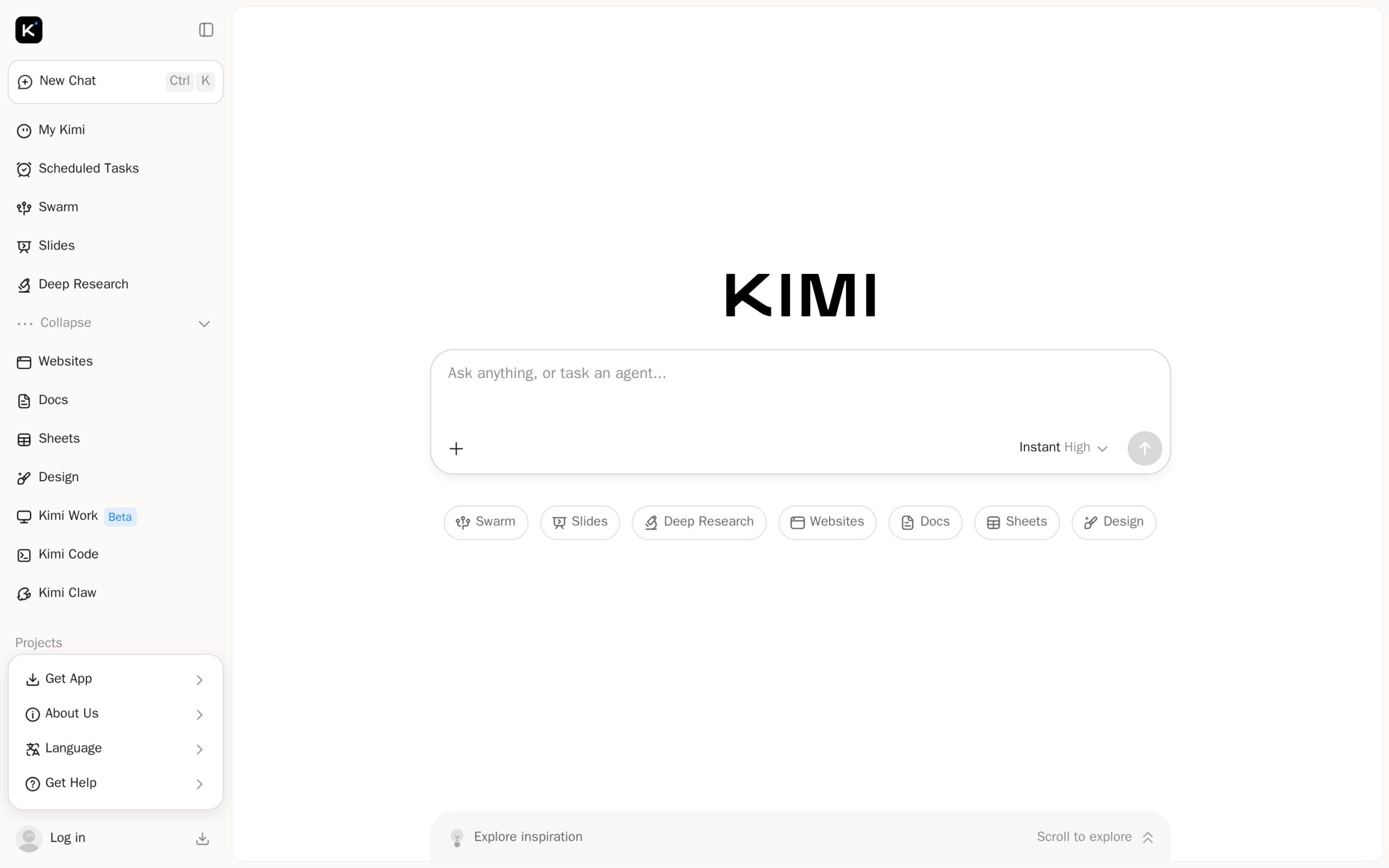
Kimi K3 is a large multimodal model available through a consumer app, coding product, workplace interface, and API. People can use it for long conversations, coding, and agent workflows combining text with other input types. Its practical pitch is keeping more project material inside one extended working session.
Moonshot introduced Kimi K3 on July 16, 2026, with day-one access through Kimi.com, Kimi Work, Kimi Code, and the API. The headline specification is a context window of up to one million tokens with faster decoding over long contexts. That is attention-grabbing; it is not evidence of dependable recall.
- Best For: Developers and advanced users exploring unusually long agent sessions have a reason to investigate. Buyers who require published adoption figures or transparent API costs should wait.
- The Interesting Part: A one-million-token context window paired with multimodal input could hold far more project material inside one working session. “Could” is doing important work until retrieval quality is independently established.
- Watch Out: Moonshot published no adoption figures, and API pricing was not visible in the gathered sources. The stated context capacity also says nothing about reliable recall across a full million tokens.
- Our Take: ★★★☆☆
- Try It If: Try the free app on a long-document task, but do not design around the API until costs and real retrieval quality are clearer.
- Official site: https://www.kimi.ai/
9. Fuzzy AI — AI for Business
AI for Business · Fuzzy AI · From $149/mo
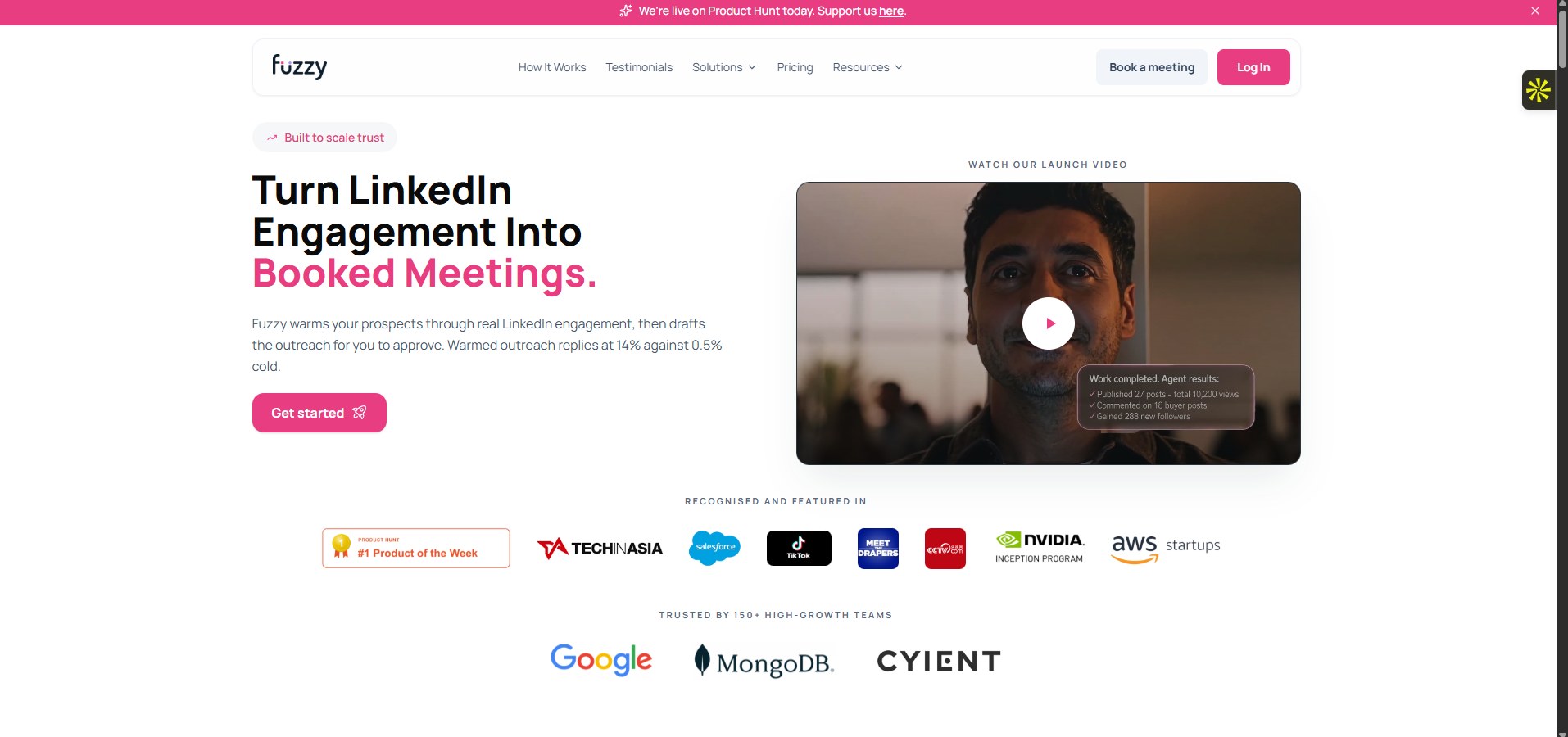
Fuzzy AI is a sales workspace for finding prospects and running personalized outbound sequences. Growth teams use it to pull potential audiences, including competitor-related audiences, then tailor outreach at higher volume. The benefit is a narrower prospecting workflow instead of another generic email generator.
July 2026 launch coverage and a live August pricing page show that Fuzzy AI reached commercial availability. Plans start at $149 monthly and use published credits rather than an open-ended chat allowance. That proves it can be bought—not that it works well enough to justify the price.
- Best For: Sales teams already committed to high-volume outbound work are the plausible buyers. Small businesses still trying to prove that cold outreach converts should keep their $149.
- The Interesting Part: The competitor-audience workflow gives Fuzzy AI a more specific operational purpose than a general-purpose email writer. Specificity helps, but it does not substitute for customer results.
- Watch Out: Public evidence about customers, integrations, and results is scarce. The $149 entry price makes experimentation expensive, and credit limits could compound the cost before a campaign proves itself.
- Our Take: ★★☆☆☆
- Try It If: Skip it unless you can measure campaign revenue against both the subscription and its credit consumption.
- Official site: https://getfuzzy.ai/pricing
10. Cline — AI Coding
AI Coding · Cline · Pricing not verified
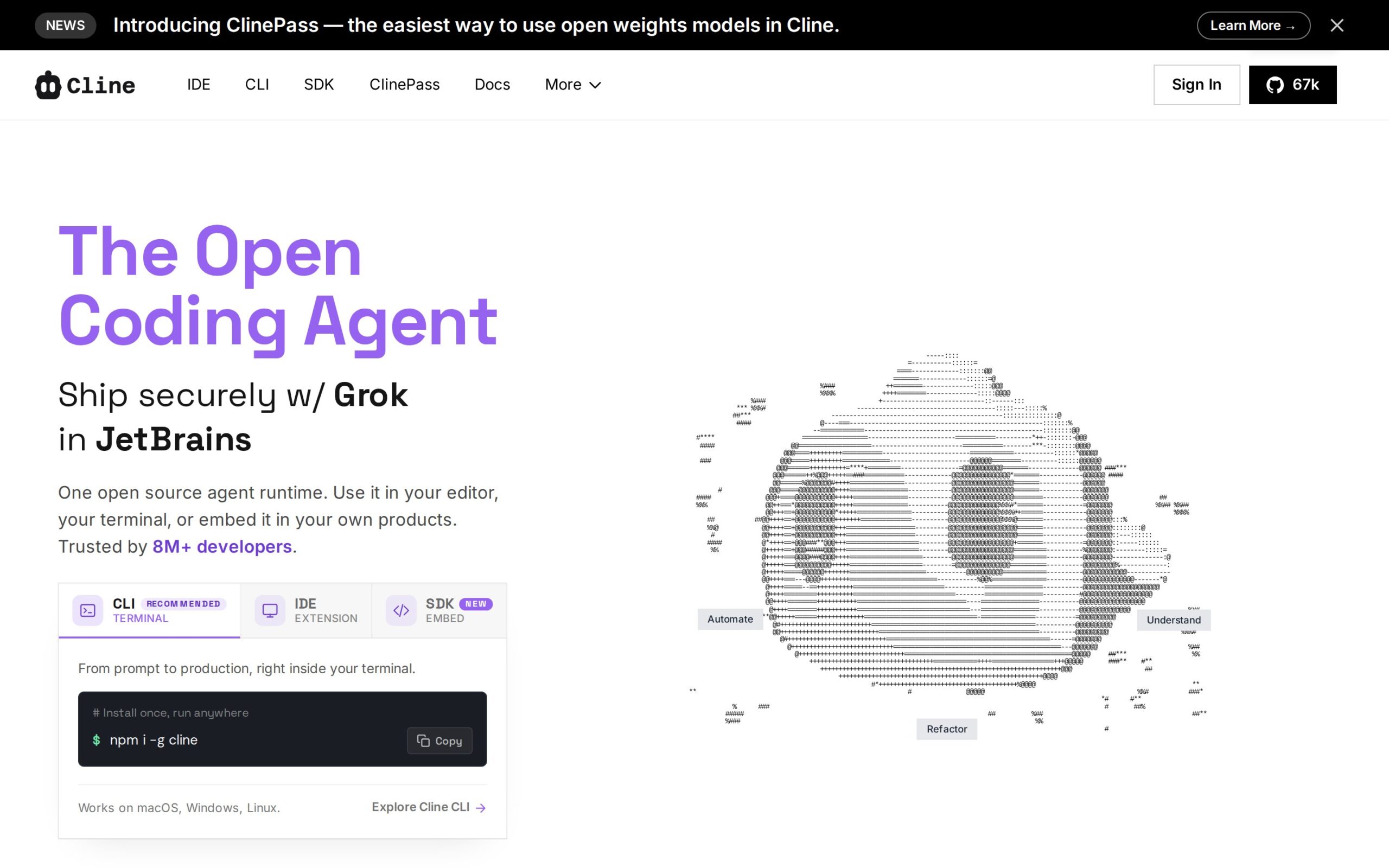
Cline is an open-source coding assistant built for agentic work rather than simple autocomplete. Developers use it to delegate coding tasks and inspect the resulting changes inside an existing development workflow. Its main buyer benefit is open-source control, not a validated performance lead.
The only surfaced 2026 catalyst is investor and funding interest in open-source coding assistants. That is market attention, not evidence that Cline shipped a decisive August upgrade or reached a documented adoption threshold. On this record, last place is deserved.
- Best For: Developers who require an open-source coding assistant are the niche audience where Cline can still win. Anyone choosing on validated performance should wait for stronger evidence.
- The Interesting Part: Open-source agentic assistance is the reason to notice Cline. The payload establishes no singular capability that clearly separates it from other open coding agents, which makes the current pitch thin.
- Watch Out: The supporting independent source is a market listicle. It supplies no hard user metrics, verified pricing, technical benchmarks, or dated product milestone—the weakest evidence package on this list.
- Our Take: ★★☆☆☆
- Try It If: Install it only for exploration if open source is mandatory. Otherwise, wait for a stronger release or independently verified results.
- Official site: https://cline.bot/
Bottom line before we go further: OpenCode is the strongest overall pick, especially for developers willing to manage model providers. For free open-source review, choose CodeRabbit; for Mac meeting notes, Wispr Flow Notetaker; for budgetable document extraction, Mistral OCR 4. The broader August pattern is narrower accountability—reviewed pull requests, captured meetings, extracted schemas, resolved tickets, and context that survives the next chat—not simply bigger models. The weaker entries still confuse commercial availability with traction. Keep that distinction sharp.
Frequently asked questions
What is OpenCode?
OpenCode is a coding agent that works from various interfaces, allowing developers to delegate coding tasks while choosing their model provider.
How does CodeRabbit assist engineering teams?
CodeRabbit automates the review process for pull requests, enabling teams to clear initial inspections without burdening senior engineers.
What unique feature does Wispr Flow Notetaker offer?
Wispr Flow Notetaker captures system audio on Mac without a visible bot, providing searchable meeting notes.